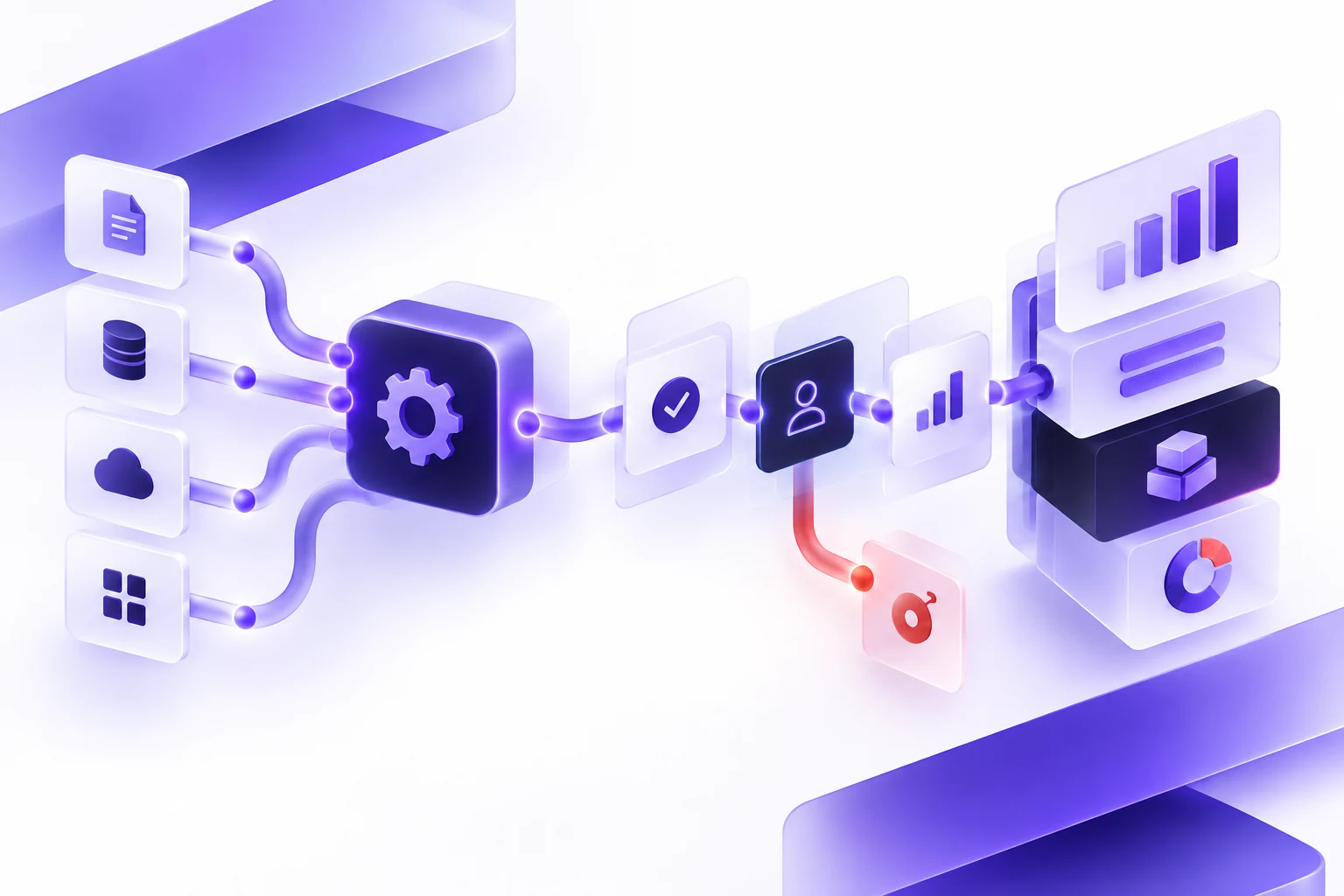
Software Requirements Checklist for Custom Projects
A practical software requirements checklist for teams preparing scope, workflows, integrations, and decisions before hiring a custom software company.
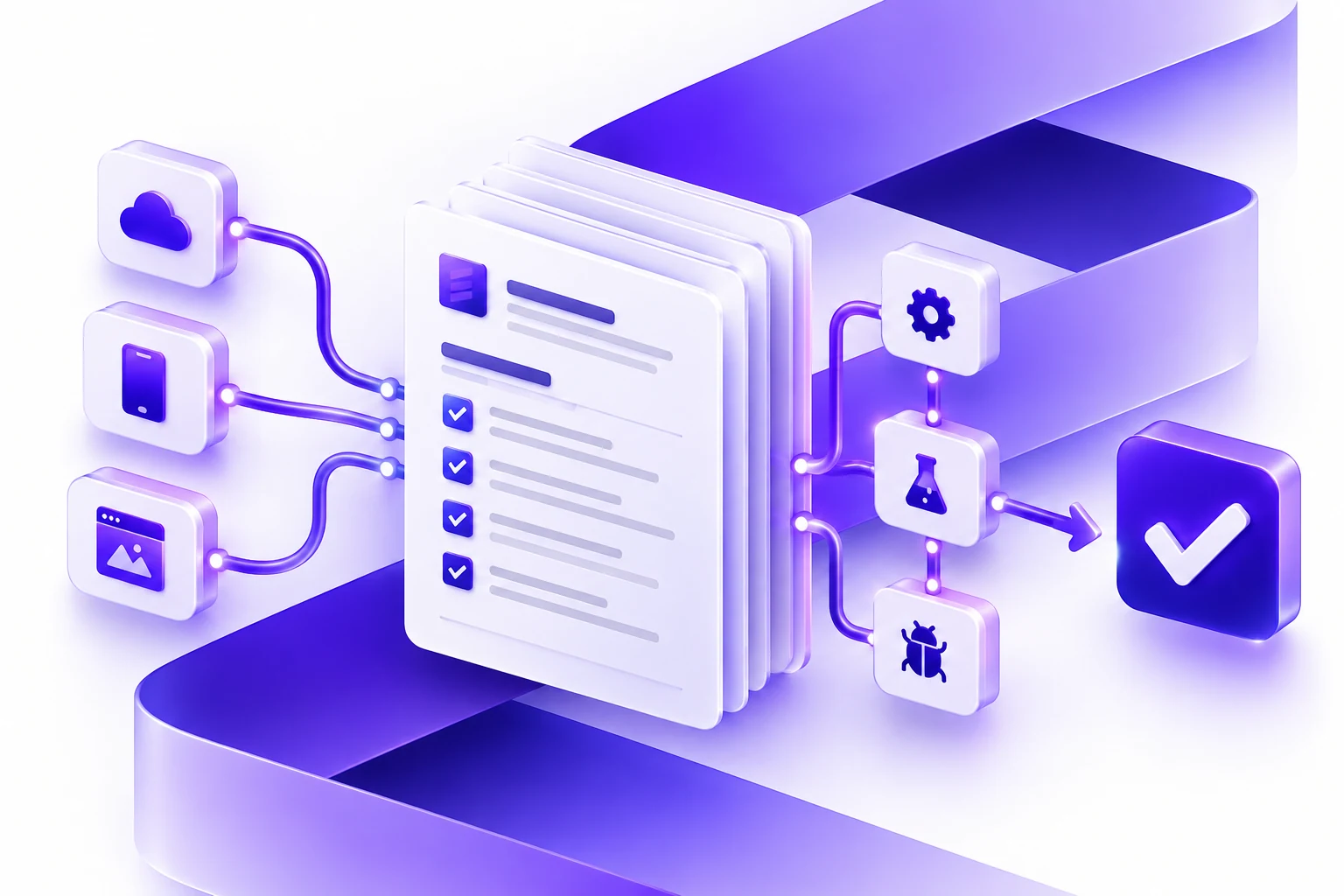
Direct answer: before hiring a custom software development company, prepare a software requirements document that explains the business goal, users, workflows, must-have features, data, integrations, permissions, reporting, security, accessibility, launch constraints, support needs, and decision process. It does not need to be a perfect technical specification. It should make the project clear enough for vendors to ask better questions, identify risk, and estimate the first release responsibly.
This guide is for founders, operations leaders, product owners, and procurement teams who need custom software, a mobile app, a web application, an internal business platform, or a software modernization project. It builds on our software project estimation checklist, custom software partner guide, and custom software development service page.
The purpose of a requirements document is not to lock every detail too early. The purpose is to create a shared starting point. A good brief helps separate business requirements from solution ideas, exposes assumptions, and gives the development team enough context to design a practical first release.
At A Glance
| Section | What to prepare | Why it matters |
|---|---|---|
| Business goal | The outcome, metric, or operational problem the software should improve. | Prevents the project from becoming a feature list with no business priority. |
| Users and roles | Who uses the system, who approves work, who administers it, and who only views reports. | Shapes UX, permissions, workflow states, and testing. |
| Workflows | The trigger, steps, decisions, handoffs, exceptions, and completion point. | Shows what the software must support in real operations. |
| Data and integrations | Systems, fields, records, documents, APIs, imports, exports, and ownership. | Often drives complexity more than the visible screens. |
| Constraints | Security, privacy, accessibility, platform, timeline, procurement, and support needs. | Helps vendors estimate the whole product, not only the happy path. |
What A Software Requirements Document Is
A software requirements document is a planning artifact that describes what the software must accomplish and the conditions it must satisfy. It may be called a software requirements specification, product requirements document, project brief, discovery brief, or scope brief depending on the organization.
ISO/IEC/IEEE 29148:2018 is the formal requirements engineering standard for systems and software products and services. Most business buyers do not need to write a standards-grade document before contacting a vendor, but the underlying idea is useful: requirements should be clear enough to guide decisions, design, validation, and change management.
For a buyer, the practical document should answer three questions: what problem are we solving, what does the first useful release need to include, and what assumptions could change the plan?
Requirements Document vs PRD vs Scope Document
These documents overlap, but they are not identical.
| Document | Best use | Typical owner |
|---|---|---|
| Software requirements document | Preparing business, user, data, integration, and constraint context before vendor discovery. | Business sponsor, product owner, operations leader, or analyst. |
| Product requirements document | Aligning a product team on the problem, users, features, success measures, and release plan. | Product manager or product owner. |
| Scope document | Defining what is included, excluded, delivered, accepted, and changed during a specific engagement. | Client and delivery partner together. |
Atlassian's product requirements guidance emphasizes keeping enough context for teams to understand requirements and user impact. That is a useful principle for vendor selection too: give every software company the same context so their proposals are easier to compare.
The 15-Part Requirements Checklist
Use this checklist as a practical starting point. It is intentionally buyer-friendly. You can fill it out in a document, spreadsheet, shared workspace, or project management tool.
1. Business Goal
Start with the business reason. Describe the current pain, the outcome you want, and why software is the right path to explore.
- What problem are we solving?
- What will be better if the project succeeds?
- Which metric, cost, delay, error, risk, or customer experience should improve?
- Why now?
- What happens if we do nothing?
2. Users, Roles, And Stakeholders
List the people who will use, approve, support, or be affected by the software. Include internal and external users.
- Primary users
- Administrators
- Approvers
- Managers or reporting users
- Customers, vendors, partners, or field teams
- Security, privacy, legal, finance, or procurement reviewers
For each role, note what they need to do, what they should not be able to do, and where they work today.
3. Current Workflow
Explain the current process before describing the new software. This helps the development team understand where the friction lives.
- What triggers the workflow?
- What steps happen now?
- Which systems, spreadsheets, emails, or manual checks are involved?
- Where do delays or errors happen?
- Which exceptions happen often enough to design for?
- What does "done" mean?
4. Future Workflow
Describe the intended future process in plain language. Avoid jumping straight to screens. First explain how work should move.
- What should start the workflow?
- Which steps should be automated?
- Which steps require human review?
- What approvals or handoffs are needed?
- What notifications should users receive?
- What should happen when information is missing?
5. Must-Have Features
Keep must-haves strict. A first release becomes easier to estimate when every feature has a reason and an owner.
- What must exist on day one?
- What can wait until after launch?
- Which features are only ideas?
- Which features are required for legal, security, compliance, or operational reasons?
- Which features are needed only for a small user group?
6. Data Sources
Data is often where hidden project work appears. Document where the information comes from and what condition it is in.
- Databases
- Spreadsheets
- CRM, ERP, accounting, scheduling, ticketing, or inventory systems
- Documents, PDFs, images, or forms
- Customer records
- Historical exports
- Third-party APIs
For each source, note ownership, quality, access, update frequency, and whether the source is authoritative.
7. Integrations
Integrations can change budget and timeline. A well-documented API with sandbox access is a different project from a legacy system with exports, manual uploads, or limited support.
- Which systems must connect?
- Is the integration read-only or read-write?
- Is API documentation available?
- Is there sandbox access?
- Are there rate limits, approval rules, or vendor fees?
- What happens if the integration fails?
8. Permissions And Security
Permissions should be scoped early, especially for internal business platforms and customer-facing systems.
- Which roles can view, create, edit, approve, delete, export, or administer records?
- Is single sign-on required?
- Is multi-factor authentication required?
- What data needs encryption, masking, or restricted access?
- What actions need audit logs?
- What security standards or internal policies apply?
9. Reporting And Analytics
Reporting requirements should be more specific than "we need a dashboard." Explain which decisions the reports should support.
- Which KPIs matter?
- Who needs each report?
- How often is the report used?
- Does the report need export, filtering, alerts, or scheduled delivery?
- Which source is trusted when numbers disagree?
10. Content, Files, And Admin Controls
If the software includes pages, labels, emails, templates, documents, images, or workflows that change over time, admin controls may be part of the product.
- What content needs to be editable?
- Who can edit it?
- Does content need approval before publication?
- Are templates, forms, or documents generated by the system?
- Are uploads required?
11. Accessibility And UX Expectations
User experience is part of requirements, not decoration. Nielsen Norman Group's UX research resources emphasize matching research methods to what a team needs to learn. In a software project brief, that means documenting what is already known about users and where the team still needs discovery.
- Who has been interviewed or observed?
- What user frustrations are already known?
- Are there accessibility requirements?
- What devices and browsers matter?
- Does the workflow happen in an office, in the field, at a counter, or on mobile?
- What level of training can users realistically receive?
12. Compliance, Privacy, And Legal Constraints
Some requirements come from laws, contracts, procurement rules, platform policies, or industry obligations. Do not leave them for the end of the project.
- Does the software handle personal information, financial data, health data, employee data, or confidential client records?
- Are there retention or deletion rules?
- Does data need to stay in a specific region?
- Do terms, consent language, or privacy notices need review?
- Are there audit, export, or access-request requirements?
13. Acceptance Criteria
Acceptance criteria define how the team will know a feature is complete. This prevents vague requirements from becoming vague testing.
- What should the user be able to do?
- What inputs are required?
- What output should the system produce?
- What should happen in error cases?
- Which role is allowed to perform the action?
- What evidence proves the feature works?
14. Launch Plan
A launch plan affects architecture, data migration, QA, training, and support. Even a short note is better than assuming launch will happen by magic.
- Who needs access at launch?
- Is data migration required?
- Is a pilot group needed?
- What training or documentation is expected?
- What systems need cutover or parallel operation?
- Who approves go-live?
15. Budget, Timeline, And Decision Process
Vendors can give better guidance when they know the decision context. You do not need to disclose everything, but hiding constraints rarely improves the estimate.
- Is there a target launch date?
- Is there a budget range or funding stage?
- Who approves the project?
- How many vendors are being compared?
- What matters most: speed, cost control, long-term maintainability, innovation, compliance, or user experience?
A Simple One-Page Template
If you do not have time for a full document, start with this one-page brief.
| Prompt | Buyer note |
|---|---|
| Business problem | What problem should the software solve, and why does it matter now? |
| First release | What is the smallest useful version that would create real value? |
| Users | Who uses it, approves it, administers it, and receives reports? |
| Current workflow | What happens today, including manual workarounds? |
| Systems and data | Which tools, databases, spreadsheets, APIs, or files are involved? |
| Risks and constraints | What privacy, security, accessibility, compliance, platform, or timing constraints exist? |
| Success measure | What outcome would make the project worth doing? |
| Decision process | Who approves the project, and what information do they need? |
Common Mistakes To Avoid
- Writing only features: features without workflows make it hard to understand user value.
- Skipping data quality: messy source data can become a major project risk.
- Hiding constraints: budget, timing, compliance, and stakeholder constraints help a vendor recommend a realistic path.
- Confusing the first release with the full vision: a smaller first release can reduce risk and produce better feedback.
- Leaving support out of scope: software needs maintenance, security updates, hosting, monitoring, and product decisions after launch.
- Using a template without judgment: a template is a starting point, not a substitute for discovery.
How This Helps Vendors Estimate Responsibly
PMI's requirements-management resources connect unclear requirements with common project problems such as scope creep, overruns, and schedule delay. That does not mean every buyer needs a huge specification. It means the estimate should be based on visible assumptions.
A strong requirements brief helps a vendor explain:
- What is included in the first release.
- What discovery is still needed.
- Which integrations or data sources create uncertainty.
- Which features can move to later phases.
- Which risks need design, QA, security, or stakeholder review.
- What could change budget or timeline.
The benefit is not just a cleaner proposal. It also makes the sales conversation more useful. Instead of spending the first call untangling the idea, the team can discuss options, tradeoffs, risks, and the best path to a first release.
Where Essential Designs Fits
Essential Designs helps teams plan, design, build, launch, and support custom software. That includes custom software development, mobile app development, web applications, business platforms, UI/UX design, integrations, modernization, and post-launch support.
If you already have a requirements document, we can review it and help identify delivery risks. If you only have a rough idea, discovery can turn the idea into a practical first-release plan.
Talk to Essential Designs about your software project.
Sources And Further Reading
- Google Search Central: Creating helpful, reliable, people-first content
- ISO/IEC/IEEE 29148:2018 Systems and software engineering
- IEEE SA: ISO/IEC/IEEE 29148-2018
- PMI: Effective requirements management
- Atlassian: What is a product requirements document?
- IIBA: Prepare for elicitation
- Nielsen Norman Group: When to use which user-experience research methods
FAQ
Do we need a complete software requirements document before contacting a developer?
No. You need enough context to start a useful discovery conversation. A development partner can help refine the requirements, but a short brief with business goals, workflows, users, data, integrations, and constraints will make the first conversation more productive.
Is a requirements document the same as a fixed scope?
No. A requirements document is an input to scoping. Fixed scope should come after assumptions, exclusions, acceptance criteria, risks, and the first release boundary are clear.
Should we write technical requirements ourselves?
Business buyers should usually focus on business goals, workflows, users, data, constraints, and success measures. The development team can translate that context into technical architecture, implementation details, and delivery planning.
What is the most important section?
The business goal and first-release boundary are the most important. Without them, the project can become a large list of features without a clear definition of success.
How long should a software requirements document be?
It depends on project complexity. A small internal tool may need a few pages. A multi-system platform may need a longer discovery package with workflows, data maps, permissions, test cases, and launch requirements.
Can Essential Designs help create the requirements document?
Yes. Essential Designs can help through discovery, stakeholder interviews, workflow mapping, UX planning, architecture review, project estimation, and phased delivery planning.