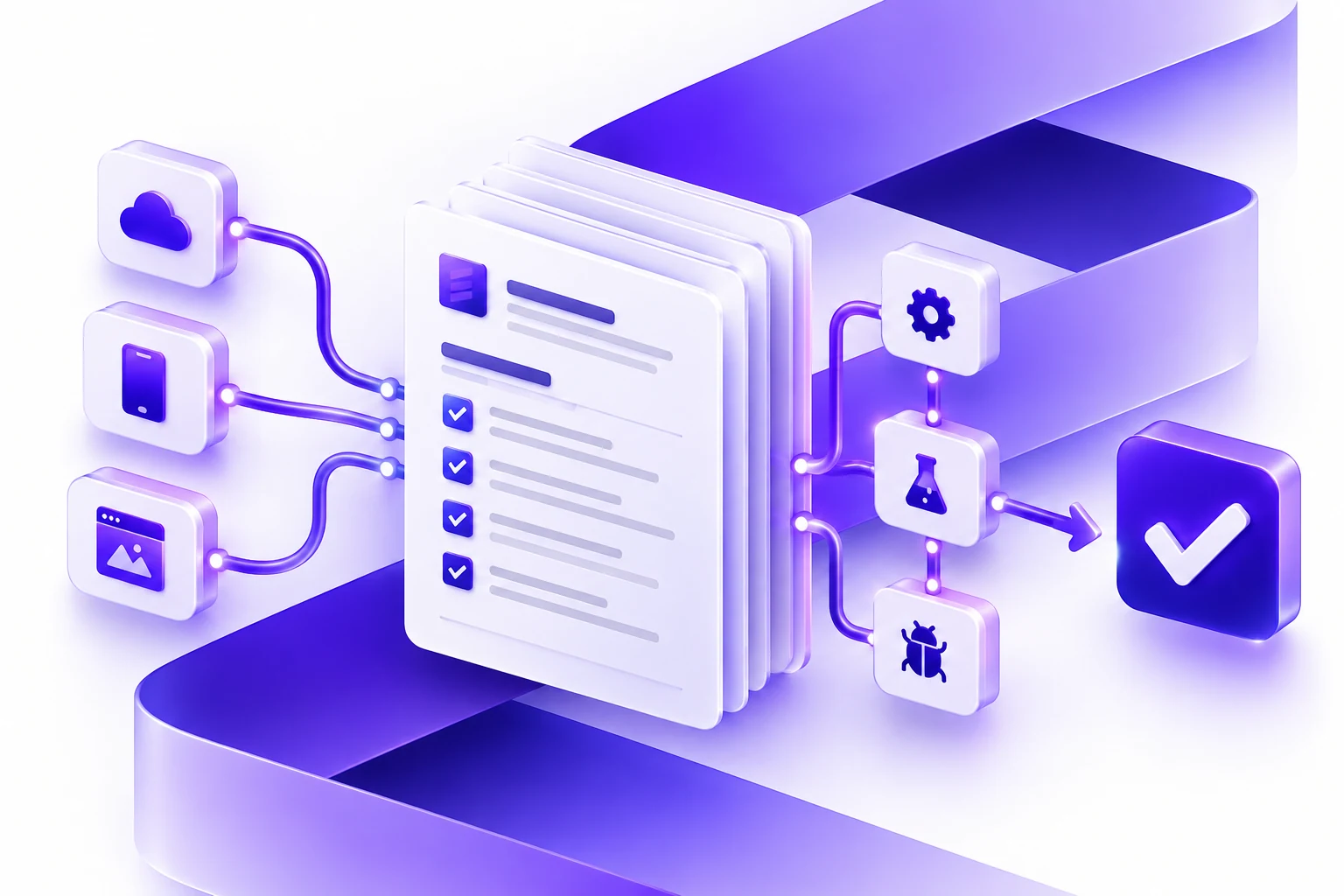
AI Workflow Automation Cost in Canada
Understand what affects AI workflow automation cost in Canada, from scope and integrations to data readiness, security, and rollout support.
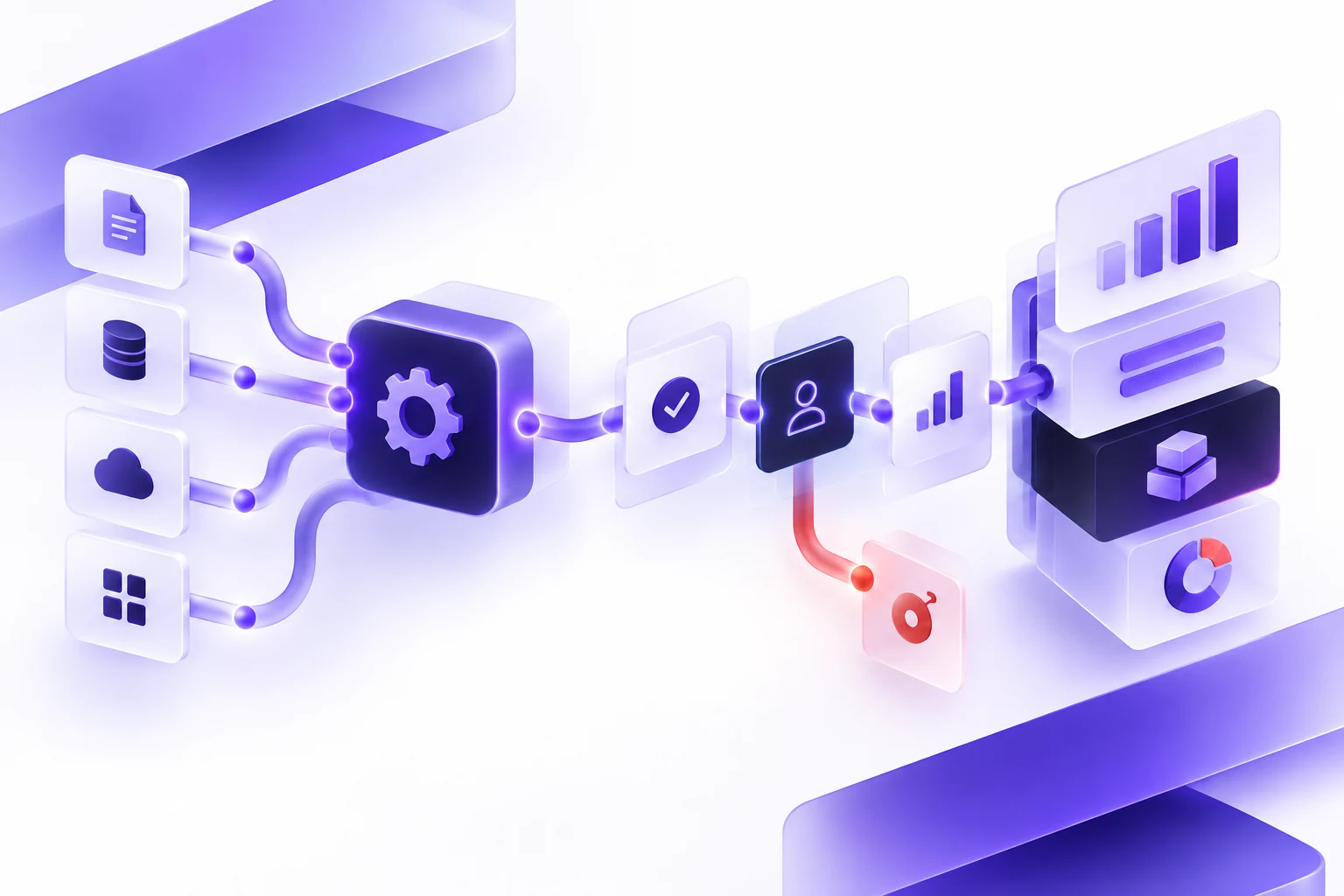
Direct answer: the cost of AI workflow automation in Canada is driven less by the language model itself and more by workflow scope, data readiness, integrations, human review, security, privacy, testing, launch support, and the amount of uncertainty in the first release. A simple AI-assisted workflow can be scoped much differently from a production system that reads company data, writes to business systems, manages permissions, handles sensitive information, and needs post-launch monitoring.
AI workflow automation cost still depends on core software requirements. This software requirements document checklist helps prepare the project context behind a responsible estimate.
This guide is for Canadian executives, operations leaders, product owners, and technology buyers trying to understand why AI automation estimates vary. It builds on our AI workflow automation requirements checklist, AI workflow automation partner checklist, RAG vs AI agents vs agentic AI guide, and software project estimation checklist.
This article does not claim a universal project price. Generic ranges can be misleading because one "AI workflow" may be a small internal assistant, while another may be a multi-system production platform with approvals, audit logs, data migration, privacy review, and support. The useful question is: what parts of the workflow create effort, risk, and calendar time?
At A Glance
| Cost driver | Low-complexity version | Higher-complexity version |
|---|---|---|
| Workflow scope | One bounded task, one team, clear success criteria. | Multiple departments, exceptions, approvals, and edge cases. |
| AI approach | AI drafts, summarizes, classifies, or answers with human review. | AI plans, calls tools, updates records, and routes work across systems. |
| Data readiness | Clean source documents or stable fields with clear ownership. | Messy, stale, duplicated, permission-sensitive, or unstructured data. |
| Integrations | One documented API with sandbox access and read-only use. | Several systems, write access, weak APIs, rate limits, and retries. |
| Human review | Simple draft-and-approve queue. | Role-based approvals, escalation, overrides, audit history, and reporting. |
| Risk controls | Internal workflow with low-impact recommendations. | Sensitive data, customer-facing output, regulated review, or high-impact decisions. |
| Launch and support | Small pilot with known users and limited monitoring. | Production rollout, training, monitoring, model review, and support ownership. |
Why AI Automation Estimates Vary So Much
Two vendors can look at the same idea and estimate very different projects because they are estimating different assumptions. One may assume a proof of concept. Another may assume production software. One may assume clean data and a single read-only integration. Another may include authentication, permissions, data cleanup, quality evaluation, logging, monitoring, user training, and support.
The word "AI" also hides different technical choices. A retrieval-augmented generation system, a bounded AI assistant, a tool-using AI agent, an agentic workflow, and regular deterministic automation each have different design, testing, and risk requirements. A credible estimate should explain which of those patterns is being used and why.
For buyers, the practical goal is not to force every partner into the same number. The goal is to make each estimate explain what is included, what is excluded, what remains unknown, and what could change budget or timeline.
A Practical Cost Ladder
Instead of starting with a price list, think in terms of a scope ladder. The more a project moves from exploration to production, the more work is needed around the model.
| Project type | Typical purpose | What usually changes effort |
|---|---|---|
| Discovery and prototype | Test whether the use case is worth pursuing. | Workflow clarity, sample data, prototype fidelity, and decision criteria. |
| AI-assisted internal workflow | Help staff summarize, classify, draft, search, or route work. | User roles, source quality, review screens, permissions, and test cases. |
| Integrated production workflow | Connect AI to business systems and operational processes. | APIs, authentication, audit logs, fallback handling, QA, deployment, and support. |
| High-impact or regulated workflow | Use AI around sensitive data, external users, or consequential decisions. | Privacy review, impact assessment, governance, security testing, documentation, and oversight. |
This ladder is not a pricing formula. It is a way to see why an estimate expands. A prototype can show possibility. Production software needs reliability, accountability, and ownership.
1. Workflow Scope Changes Both Budget And Timeline
Workflow scope is the first cost driver. A narrow workflow with one user group and one approval path is easier to estimate than a process with multiple teams, exceptions, regions, permissions, and handoffs.
Before asking for a proposal, document:
- The trigger that starts the workflow.
- The point where the workflow is complete.
- The user roles involved.
- The systems and records used during the work.
- The decisions, handoffs, and approvals.
- The exceptions that happen often enough to design for.
- The first release boundary.
The first release boundary matters. If the first release includes every edge case, the estimate grows quickly. If it focuses on one measurable workflow, the team can reduce uncertainty and learn from real users before expanding.
2. AI Scope Is Not One Thing
AI workflow automation can include several patterns:
- Classification: label or route work based on text, records, or documents.
- Summarization: prepare a digest of a record, ticket, call, document, or history.
- Drafting: create a response, report, note, or recommendation for human review.
- Retrieval: answer from approved source material with citations.
- Tool use: call APIs, search systems, create tasks, update records, or trigger workflows.
- Agentic orchestration: plan multiple steps across tools inside strict boundaries.
Each pattern changes the estimate. Drafting for internal review is usually easier to control than autonomous tool use. Retrieval may require source preparation and answer evaluation. Tool use requires permissions, logs, fallbacks, and clear limits. Agentic workflows require even more attention to boundaries and failure modes.
3. Data Readiness Can Be The Hidden Cost
AI systems depend on data. If the workflow uses documents, CRM notes, tickets, spreadsheets, emails, policies, contracts, call transcripts, or old system exports, the project may need data cleanup before the AI layer is useful.
Data questions that affect budget include:
- Who owns each source?
- How often does each source change?
- Which sources are authoritative?
- Which fields are incomplete, duplicated, stale, or contradictory?
- Which users can access each source?
- What information should never enter a model prompt?
- What must be logged, masked, retained, or deleted?
For RAG systems, source quality and retrieval evaluation are part of the work. For AI agents, data access and tool permissions are part of the risk model. For regular automation, stable fields and deterministic rules may matter more than model output.
4. Integrations Often Cost More Than The AI Feature
Many valuable AI workflows are not standalone chatbots. They need to read and write to real systems: CRMs, ERPs, billing platforms, ticketing tools, document stores, calendars, inventory systems, support desks, or custom databases.
Every integration should be scoped by:
- API documentation and vendor support.
- Authentication method.
- Read and write permissions.
- Sandbox or staging access.
- Rate limits and batch rules.
- Data mapping.
- Error handling and retries.
- Audit logging.
- Manual fallback if the API is unavailable.
A read-only integration with good documentation is usually easier than a write integration with weak API support. The estimate should make that difference visible.
5. Human Review Is A Product Feature
Human review should be designed into the application. It is not enough to say that someone will "check the AI." The software needs screens, states, permissions, alerts, and logs that make review practical.
Common review features include:
- Draft-before-send queues.
- Approval before record changes.
- Escalation when the system is uncertain.
- Side-by-side source display for retrieved answers.
- Override reasons and feedback capture.
- Admin controls for disabling AI-assisted steps.
- Audit logs that show what happened and who approved it.
These features add effort, but they often reduce operational risk. For many businesses, the review interface is what turns an AI demo into usable workflow software.
6. Privacy And Security Need Early Scope
In Canada, AI workflow automation may involve personal information, employee information, client records, confidential documents, health data, financial data, or cross-border data flows. The Office of the Privacy Commissioner of Canada identifies privacy and AI as an active priority area, and its generative AI principles emphasize limits around personal information and processes for access or correction where relevant.
Security scope changes when user prompts, retrieved content, third-party content, or tool outputs can affect system behavior. OWASP's LLM Top 10 highlights risks including prompt injection, sensitive information disclosure, supply chain issues, insecure output handling, and excessive agency. These are not abstract concerns when an AI workflow can update a ticket, draft a customer message, or call an internal tool.
Prepare privacy and security assumptions before estimating:
- What sensitive information is in scope?
- Where can data be stored and processed?
- Which users can access prompts, outputs, logs, and source documents?
- What should be redacted or excluded from model input?
- What tool actions require approval?
- What security testing is needed before launch?
- Who owns incident response and change approval?
7. Canadian Context Can Add Planning Work
Canada-specific planning does not automatically make a project expensive, but it can add decisions that should be scoped early. Depending on the organization, project, and users, planning may need to consider privacy obligations, provincial requirements, accessibility expectations, bilingual content, data residency preferences, procurement rules, or industry-specific review.
Government of Canada sources are useful reference points even for private-sector buyers because they encourage user-centred design, accessibility, security, trust, and iterative improvement. The Government of Canada's Algorithmic Impact Assessment tool is mandatory for federal automated decision systems, but its structure is also a useful reminder for any team: decision type, impact, data, mitigation, and oversight affect how much governance an automated system needs.
This is planning guidance, not legal advice. If the workflow touches regulated data or consequential decisions, include legal, privacy, security, and accessibility reviewers before the estimate becomes a delivery commitment.
8. Evaluation And Testing Are Part Of The Build
Traditional QA checks whether software behaves as expected. AI workflow QA also needs to check whether model-assisted output is useful, grounded, safe, and reviewable. That can require test sets, sample records, expected answers, failure cases, and reviewer scoring.
Useful test cases include:
- A normal case that should complete quickly.
- A messy case with missing information.
- A case with conflicting source material.
- A sensitive case that should be redacted or escalated.
- A case that should not be automated.
- A prompt injection or unsafe-input example.
- An integration failure.
- A low-confidence output that needs human review.
The more important the workflow, the more the estimate should include evaluation, regression testing, logs, and monitoring. NIST's AI Risk Management Framework and Generative AI Profile both support the broader habit of managing AI risks across design, development, use, and evaluation.
9. Launch Support Is Where Cost Often Reappears
AI workflows need ownership after launch. Source documents change. APIs change. Prompts and retrieval settings need review. Users find edge cases. Business rules shift. Security patches and dependency updates continue. The estimate should say who handles that work.
Post-launch planning should include:
- Production monitoring.
- Error and incident handling.
- Prompt, source, and tool-change approvals.
- User feedback review.
- Model and retrieval evaluation cadence.
- Integration maintenance.
- Support response expectations.
- Roadmap and improvement cadence.
If a proposal ends at launch, it may be missing a meaningful part of the AI workflow cost.
How To Reduce Cost Without Weakening The Project
The best cost control is not cutting testing or skipping review. It is reducing uncertainty and limiting the first release to a useful workflow.
- Start with one workflow, not a whole department.
- Use a discovery phase to identify unknowns before fixed-scope delivery.
- Separate must-have features from later improvements.
- Use read-only integrations before write actions where possible.
- Keep high-impact decisions human controlled.
- Prepare sample data and realistic test cases early.
- Use existing systems instead of rebuilding everything around the AI feature.
- Define success metrics before development starts.
- Plan support as part of the first release, not as a surprise after launch.
What To Ask Vendors To Show In Their Estimate
A stronger AI workflow automation estimate should show:
- The workflow boundary and first release scope.
- The recommended AI pattern and why it fits.
- Data sources, assumptions, and cleanup needs.
- Integrations and permission boundaries.
- Human review and approval design.
- Security, privacy, and risk assumptions.
- Testing and evaluation approach.
- Launch, training, support, and ownership plan.
- Explicit exclusions and open questions.
- What could change budget or timeline.
If two estimates differ, compare these sections before comparing the final number. The cheaper proposal may simply exclude work the project will need later.
A Simple Buyer Worksheet
| Question | Buyer note |
|---|---|
| What workflow do we want to improve first? | Name one process and one first-release boundary. |
| What business result should change? | Time saved, errors reduced, faster routing, better review, or improved consistency. |
| What should AI do? | Draft, classify, summarize, retrieve, recommend, call a tool, or orchestrate steps. |
| What should remain deterministic or human controlled? | Rules, approvals, high-impact decisions, sensitive cases, and exceptions. |
| What data is needed? | Sources, owners, freshness, access rules, quality issues, and exclusions. |
| What systems must connect? | APIs, authentication, sandbox access, write permissions, and fallback states. |
| What could make the project higher risk? | Sensitive information, external users, regulated workflows, irreversible actions, or weak data. |
| What does launch require? | Pilot users, training, monitoring, support, feedback review, and change ownership. |
How Essential Designs Can Help
Essential Designs approaches AI workflow automation as custom business software. The model is one part of the project. The work also includes discovery, UX, architecture, data preparation, integrations, permissions, security, QA, launch planning, and support.
If you are trying to estimate an AI workflow automation project in Canada, the most useful first step is a bounded workflow and a clear requirements brief. You can talk with Essential Designs about discovery, architecture, custom software delivery, AI-assisted workflows, and support.
References
- NIST AI Risk Management Framework
- NIST AI 600-1: Artificial Intelligence Risk Management Framework, Generative Artificial Intelligence Profile
- OWASP Top 10 for Large Language Model Applications
- OWASP LLM01:2025 Prompt Injection
- Office of the Privacy Commissioner of Canada: Privacy and artificial intelligence
- Office of the Privacy Commissioner of Canada: Principles for responsible, trustworthy and privacy-protective generative AI
- Government of Canada Algorithmic Impact Assessment tool
- Government of Canada Directive on Automated Decision-Making
- Government of Canada Digital Standards
FAQ
How much does AI workflow automation cost in Canada?
There is no reliable universal price because scope varies widely. Cost depends on workflow complexity, data readiness, integrations, AI approach, human review, privacy and security needs, testing, launch support, and post-launch ownership.
Why do AI automation quotes vary so much?
Quotes vary because vendors make different assumptions. One may estimate a prototype, while another includes production software, integrations, permissions, QA, monitoring, data cleanup, and support.
What is usually the biggest hidden cost?
Common hidden costs include data cleanup, integrations, permissions, human review design, evaluation, audit logging, security testing, launch planning, and post-launch support.
Is an AI agent more expensive than a RAG system?
Not always, but AI agents often need additional tool permissions, action boundaries, audit logs, fallback states, and approval controls. RAG systems often need source preparation, retrieval testing, permissions, and citation evaluation.
How can we reduce AI workflow automation cost?
Start with one bounded workflow, prepare requirements, use clean sample data, limit integrations, keep high-impact decisions human controlled, test realistic cases, and plan support early.
Should we start with discovery or a fixed-price build?
If the workflow, data, integrations, or risk controls are unclear, discovery is usually safer before a fixed-scope build. Fixed pricing works better when assumptions are documented and the first release boundary is clear.