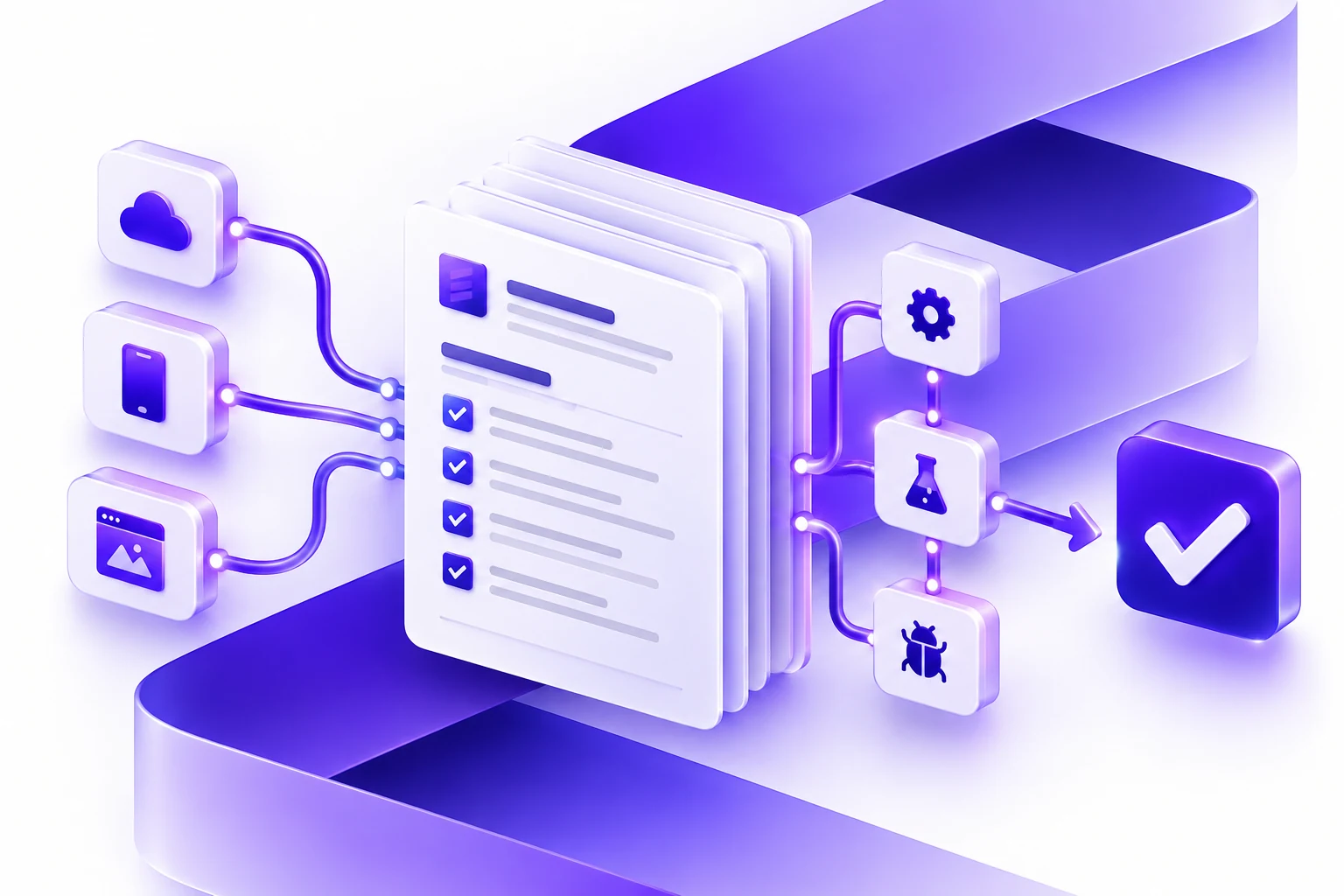
AI Workflow Automation Requirements Checklist
A practical checklist for teams planning AI workflow automation, including processes, data, integrations, approvals, and rollout risks.
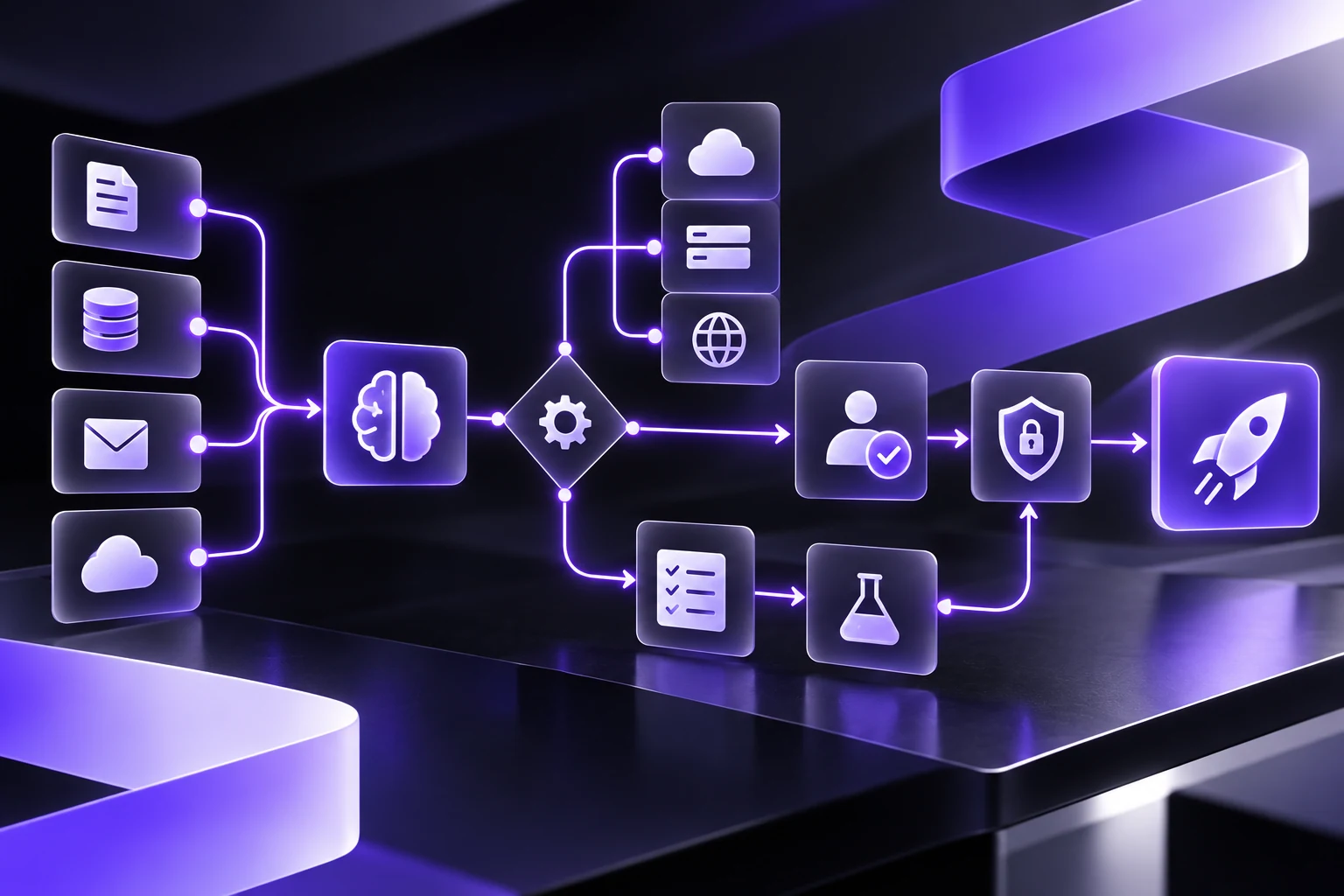
Direct answer: before hiring an AI workflow automation partner, prepare a requirements brief that explains the workflow, users, data sources, integrations, decision points, approvals, risks, and success metrics. The goal is not to prescribe every feature. The goal is to give the partner enough context to separate useful AI from regular automation, estimate the first release responsibly, and design controls before the system reaches production.
For non-AI and AI-enabled projects alike, start with a clear project brief. This broader software requirements document checklist covers goals, users, workflows, data, integrations, launch, and support.
After preparing requirements, buyers can use this AI workflow automation cost guide to understand how workflow scope, data readiness, integrations, human review, testing, and support affect budget and timeline.
This checklist is for executives, operations leaders, product owners, and technology buyers who are exploring AI agents, RAG systems, workflow automation, or custom AI software. It pairs with our guide on how to choose an AI workflow automation partner. That guide helps compare vendors. This one helps prepare the inputs a good vendor will need.
AI workflow automation works best when the first release is specific. A vague request like "automate our operations with AI" is difficult to estimate and easy to overbuild. A stronger request names the process, the people, the source systems, the decisions, the failure modes, and the parts of the workflow that should remain human controlled.
The Short Checklist
| Requirement area | What to prepare | Why it matters |
|---|---|---|
| Workflow scope | The start, end, users, handoffs, exceptions, and first release boundary. | Prevents a broad AI idea from becoming an unbounded software project. |
| Business outcome | The measurable result, such as faster intake, fewer manual updates, better routing, or shorter review cycles. | Gives the team a way to judge whether automation is actually useful. |
| Data inventory | Documents, records, tickets, CRM fields, policies, spreadsheets, APIs, permissions, and ownership. | AI output quality depends on the quality, freshness, and access rules of the underlying data. |
| Decision model | Which steps are rules-based, AI-assisted, approval-based, or fully manual. | Helps separate RAG, AI agents, agentic workflows, and regular automation. |
| Integration map | Systems to read from, systems to write to, authentication methods, rate limits, and sandbox access. | Most production value comes from the workflow around the model, not the model alone. |
| Human review | Approval states, escalation rules, override paths, logs, and owner responsibilities. | High-impact actions need accountability and practical review screens. |
| Risk and compliance | Privacy constraints, sensitive data, prompt injection exposure, tool permissions, audit needs, and impact level. | AI systems introduce risks that should be controlled in the design, not patched after launch. |
| Launch plan | Acceptance criteria, test cases, pilot users, monitoring, support model, and improvement cadence. | AI workflows need operating ownership after the first release. |
1. Write The Workflow In Plain Language
Start by describing the workflow as a person would experience it. Avoid technical labels at first. The first page of the brief should answer:
- Who starts the workflow?
- What event, form, email, ticket, document, or record starts it?
- Who touches it next?
- Which systems are opened during the work?
- Where do people copy, paste, retype, summarize, classify, route, approve, or follow up?
- Where do delays, errors, duplicate work, or missed handoffs appear?
- What marks the workflow as complete?
This can be a simple numbered list. It does not need to be a polished process diagram. In fact, a plain-language workflow often helps a development partner see the real operating pain faster than a formal diagram with missing context.
2. Define The First Release Boundary
AI workflow automation should usually start with a bounded release. The first release might assist one team, one region, one intake path, one document type, or one decision point. It should not try to automate every variant on day one.
Define what is in scope and out of scope:
- In scope: the specific workflow steps that should be designed, built, integrated, and tested first.
- Out of scope: related steps that may matter later but should not be included in the first release.
- Unknown: open questions that discovery should resolve before the build estimate is finalized.
A tight release boundary helps the partner estimate honestly. It also creates a safer pilot, because the team can measure a real workflow before expanding AI to adjacent processes.
3. State The Business Outcome
The brief should state the outcome in business terms, not only AI terms. Useful outcomes include:
- Reduce manual intake triage time.
- Improve consistency in document review.
- Route customer requests faster.
- Summarize records before a human review.
- Draft responses that a person approves before sending.
- Reduce duplicate data entry between systems.
- Surface policy or knowledge base answers with citations.
Try to include one measurement. For example: "reduce average triage time from 12 minutes to 5 minutes," "route 80 percent of simple requests without manual reassignment," or "prepare a first-draft summary for every case before supervisor review." The numbers can be early estimates. They give the project a target.
4. Inventory The Data Sources
Data readiness is often the difference between a useful AI workflow and a fragile demo. Create a simple inventory of the sources the system may need:
- Internal knowledge bases.
- Policies and procedures.
- CRM records.
- Support tickets.
- Email templates.
- Forms and intake fields.
- Product, service, pricing, or contract data.
- Spreadsheets and exports.
- Historical decisions or case notes.
- APIs and databases.
For each source, add the owner, freshness, access rules, quality issues, and whether the data can be used in a test environment. If the project may use retrieval-augmented generation, also note which sources should be cited and which sources should never be used for answers.
Our RAG vs AI agents vs agentic AI guide explains why this matters. A RAG system needs source quality and retrieval testing. An AI agent needs tool boundaries and permissions. A regular automation may only need deterministic rules and stable data fields.
5. Mark The Decision Points
Not every workflow step should be automated the same way. Mark each decision point with one of four labels:
- Rules-based: stable business logic can make the decision without AI.
- AI-assisted: AI can draft, classify, summarize, or recommend, but a person reviews.
- AI action with limits: AI can take a bounded action through a tool or API, with permissions and logs.
- Human only: the decision should remain manual because it is high-impact, sensitive, ambiguous, or relationship-dependent.
This step keeps the project grounded. Many workflows need less generative AI than expected. Some need more product design, integration work, or review tooling than expected. A good requirements brief gives the partner room to recommend the right mix.
6. Map The Integrations
For each system in the workflow, write down whether the new software needs to read data, write data, trigger an action, or simply link users to the record. Include:
- System name and owner.
- API availability.
- Authentication method.
- Read/write permissions.
- Sandbox availability.
- Rate limits.
- Audit log requirements.
- Fallback behavior when the integration fails.
This is especially important for agentic workflows. OWASP's LLM Top 10 highlights risks such as prompt injection, sensitive information disclosure, insecure output handling, and excessive agency. Those risks become more practical when an AI system can call tools, update records, or trigger downstream actions. The requirements brief should make the tool boundary visible before architecture begins.
7. Define Human Review And Escalation
"Human in the loop" should become a product requirement, not a slogan. The brief should define where a person reviews output, approves an action, overrides a suggestion, or escalates an uncertain case.
Useful review requirements include:
- Draft before send for customer-facing messages.
- Approval before irreversible record changes.
- Side-by-side source view for knowledge answers.
- Escalation when confidence is low or sources conflict.
- Override reasons so the workflow can improve.
- Admin controls to disable an AI-assisted step.
- Logs that show the user, source, recommendation, action, and timestamp.
Canada's Algorithmic Impact Assessment tool is designed for federal automated decision systems, but the underlying habit is useful for private-sector teams too: assess impact, mitigation, reversibility, and oversight before relying on automated decisions. Higher-impact workflows need stronger review and accountability.
8. List Privacy, Security, And Governance Constraints
AI workflow automation requirements should include the constraints that affect design. Examples include:
- Personal, client, employee, health, financial, or confidential data in scope.
- Information that must not leave a specific system or region.
- Retention requirements for prompts, outputs, logs, and uploaded files.
- Data that should be masked, redacted, or excluded from model input.
- Roles that can view, approve, export, or delete records.
- Audit requirements for regulated or contract-sensitive processes.
- Incident response expectations if the system produces unsafe or incorrect output.
NIST's Generative AI Profile, NIST AI 600-1, frames generative AI risk management across the AI lifecycle and helps organizations align risk work with goals, legal requirements, and priorities. For a buyer brief, the practical move is simple: identify the risky parts of the workflow early enough that the software can be designed around them.
9. Prepare Real Test Cases
Do not test only happy paths. Bring examples from the real workflow:
- A simple case that should pass quickly.
- A messy case with missing data.
- A case with conflicting information.
- A case that should be escalated.
- A case that should not be automated.
- A case with sensitive information.
- A case where the integration is unavailable.
Real examples help the partner design acceptance criteria. They also help evaluate whether the first release should use a model, retrieval, deterministic rules, or a mix of all three.
10. Decide What Success Looks Like After Launch
The requirements brief should include post-launch ownership. AI workflows need monitoring, content updates, prompt and retrieval review, integration maintenance, model evaluation, support, and user feedback. The first release is not finished when the demo works.
Define:
- Who owns workflow changes after launch?
- Who approves prompt, source, or tool changes?
- Who reviews user feedback and override reasons?
- What metrics should be monitored weekly?
- What failure states require escalation?
- What support model is needed for the first 30, 60, and 90 days?
These answers help the partner design operational software, not just a proof of concept.
A One-Page AI Workflow Requirements Template
| Section | Prompt |
|---|---|
| Workflow | Describe the workflow from trigger to completion in 5 to 10 steps. |
| Users | List the roles involved and what each role needs to see, approve, or change. |
| Outcome | State the measurable business result the first release should improve. |
| Data | List sources, owners, freshness, access rules, and known quality problems. |
| Decisions | Mark each decision as rules-based, AI-assisted, AI action with limits, or human only. |
| Integrations | List systems to read from or write to, API assumptions, and fallback states. |
| Review | Define approvals, escalation, override, and audit requirements. |
| Risks | List sensitive data, high-impact actions, compliance constraints, and security concerns. |
| Test cases | Attach real examples for normal, messy, sensitive, blocked, and escalation cases. |
| Launch | Define pilot users, acceptance criteria, monitoring, support, and improvement cadence. |
What A Strong Partner Should Do With This Brief
A useful partner should turn the brief into a delivery plan. That plan should include workflow discovery, product design, architecture, data preparation, integration assumptions, AI approach, testing, security controls, launch plan, and support model.
They should also challenge parts of the brief. If a step does not need AI, they should say so. If the data is not ready, they should identify the gap. If an action is too risky for autonomous execution, they should recommend review, logging, or a narrower first release.
That is the point of the checklist. It does not make the project rigid. It gives the team enough shared context to make better decisions before the build starts.
How Essential Designs Can Help
Essential Designs builds custom software, AI-assisted workflows, integrations, and production applications for organizations that need more than a model demo. For AI workflow automation, we usually begin by clarifying the workflow, users, data, integrations, review points, and first release boundary. Then we design software that fits the business process and can be supported after launch.
If you are preparing an AI workflow automation project, you can talk with Essential Designs about discovery, architecture, custom software delivery, and support.
References
- NIST AI Risk Management Framework
- NIST AI 600-1: Artificial Intelligence Risk Management Framework, Generative Artificial Intelligence Profile
- OWASP Top 10 for Large Language Model Applications
- OWASP LLM01:2025 Prompt Injection
- Government of Canada Algorithmic Impact Assessment tool
- Government of Canada Directive on Automated Decision-Making
FAQ
What should be included in AI workflow automation requirements?
Include the workflow scope, users, data sources, integrations, decision points, human review, privacy constraints, security risks, test cases, success metrics, and post-launch support needs.
Do we need complete requirements before contacting a development partner?
No. You need enough detail to start discovery. A good partner can help refine requirements, but the first conversation is much more productive when you can describe the workflow, data, users, and expected outcome.
How do we know whether a workflow needs AI?
Use AI when the workflow involves language, documents, classification, summarization, recommendations, or source-backed answers. Use regular automation when the rules are stable and deterministic. Use human review where the action is high-impact, sensitive, or ambiguous.
What is the difference between requirements for RAG and an AI agent?
RAG requirements focus on source quality, retrieval, permissions, citations, and answer evaluation. AI agent requirements also need tool permissions, action limits, audit logs, fallback behavior, and escalation rules.
Why is human review important in AI workflow automation?
Human review keeps accountability visible. It is especially important when an AI system drafts customer-facing communication, changes records, routes important work, or uses sensitive information.
What makes AI automation hard to estimate?
Unclear workflows, messy data, unknown integrations, broad automation goals, missing test cases, and unresolved review requirements make estimates less reliable. A requirements brief reduces that uncertainty.