AI Application Development Company: What Businesses Should Compare
A practical guide to comparing AI application development companies by workflow fit, data readiness, UX, integrations, risk controls, testing, ownership, and support.
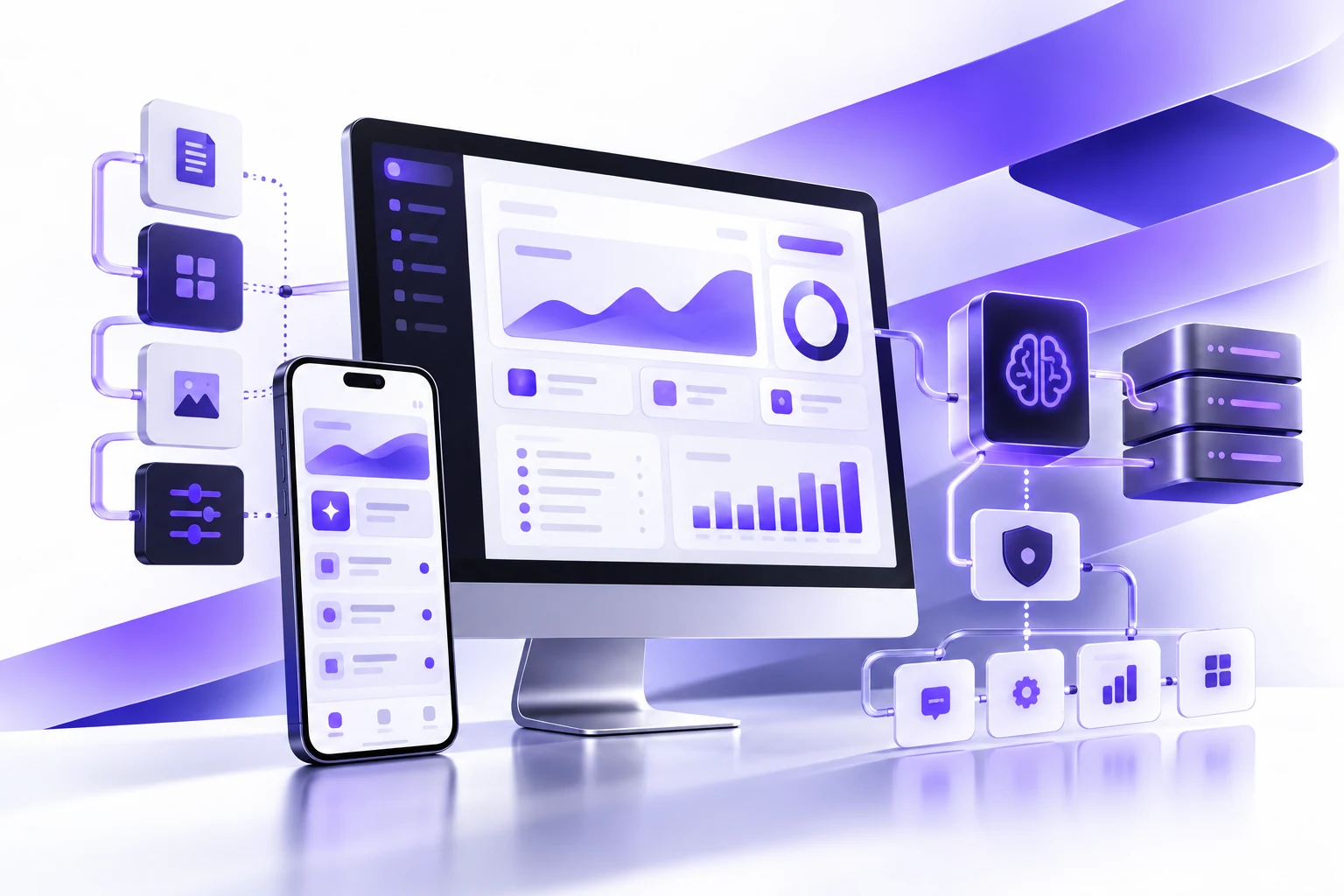
Choosing an AI application development company is not the same as choosing a vendor to add a chatbot, connect an API, or run a model demo. A useful AI application becomes part of a real business workflow. It has users, permissions, data dependencies, edge cases, support needs, and people who need to trust what it does.
That is why the best comparison starts before the technical stack. You want to understand whether the company can translate a business problem into software that people will actually use. The model matters, but the workflow, data, interface, testing plan, and support model matter just as much.
Essential Designs approaches AI application development as custom software work first. The AI layer should support a measurable job inside the product, portal, dashboard, mobile app, or internal platform.
Start With The Business Job, Not The AI Feature
A vague request like "we need AI" usually leads to a vague build. A better starting point is a concrete business job. For example, reduce support triage time, help account managers prepare proposals, summarize intake forms, detect missing document details, prioritize leads, review safety reports, or help staff search internal knowledge.
Once the job is clear, the development team can ask practical questions. Who uses the feature? What information does it need? What does a useful output look like? What should happen when confidence is low? Where does a human approve or correct the result? How will the business know if the application is working?
This also protects the budget. A focused first release is easier to test, easier to train staff on, and easier to improve after launch. It is usually better to solve one operational problem well than to launch a broad AI assistant that nobody fully owns.
Use This Comparison Framework
1. Workflow Discovery
Ask each company how they discover the workflow before estimating the build. They should be able to map users, current steps, bottlenecks, source systems, handoffs, decision points, and expected outcomes. If they skip this and jump directly to model selection, the project may become a technical experiment instead of an application.
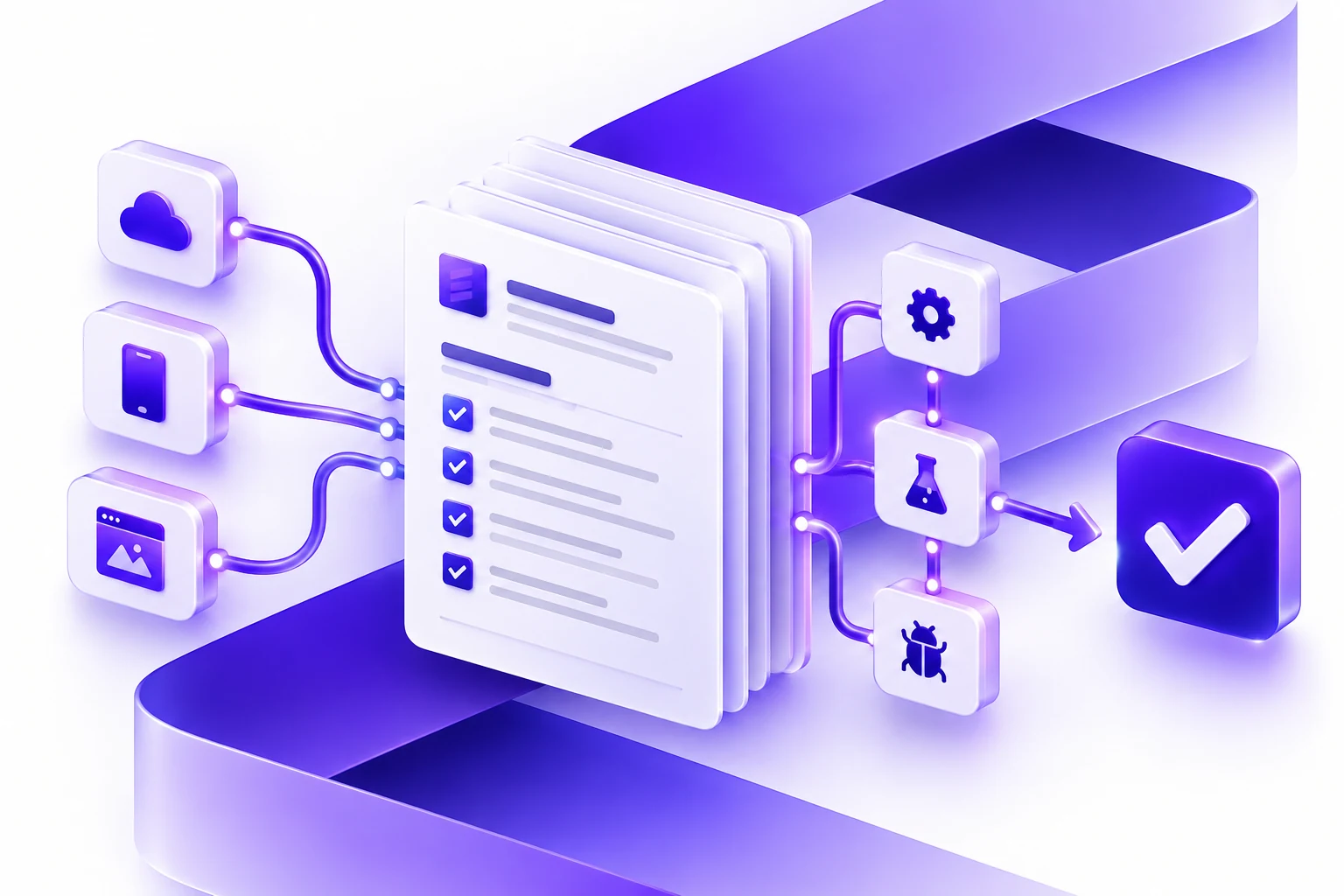
A useful discovery output might include workflow diagrams, user roles, data sources, integration notes, risk assumptions, a phased roadmap, and acceptance criteria for the first release.
2. Data Readiness
AI depends on the quality and availability of data. A strong team will ask where the data lives, how clean it is, who can access it, how often it changes, what data should be excluded, and whether the business has permission to use it for the intended purpose.
For a document review assistant, this might mean understanding document formats, naming conventions, missing fields, historical examples, and review rules. For a sales assistant, it might mean connecting CRM data, email templates, product data, and account history. For an internal knowledge tool, it might mean deciding which policies, PDFs, wiki pages, and support articles are trusted sources.
3. User Experience
AI features are often judged by output quality, but user experience determines whether people use them. The interface should make the output understandable, editable, and easy to act on. Users should see confidence, source context, warnings, next steps, and escalation options where appropriate.
For example, a proposal assistant should not simply generate text. It should show which inputs were used, let staff adjust tone or scope, support approval, and save the final output where the team already works. A support triage tool should not just label tickets. It should explain the recommended category, route the request, and make correction easy when the category is wrong.
The People + AI Guidebook is a useful public reference for thinking about human-centered AI product design.
4. Integration Planning
Most useful AI applications need to connect to existing software. That may include CRMs, ERPs, ticketing systems, portals, databases, calendars, reporting tools, document stores, payment systems, or internal APIs. A company should identify these dependencies early, because integrations can affect scope more than the AI layer itself.
Ask whether the estimate includes integration discovery, API limitations, authentication, error handling, logging, permissions, rate limits, and fallback behavior. These details are easy to miss in a demo, but they are central to a stable business application.
5. Human Review And Escalation
Not every AI feature should act on its own. Some outputs can be automated, some should be suggested, and some should require approval. A good AI application development company should help classify which workflow steps need human review.
Examples include manager approval before a customer-facing message is sent, staff review before a document is marked complete, escalation to support when a chatbot cannot answer, or quality sampling on AI-generated summaries. Human review is not a failure of automation. It is often what makes the system usable in a real business.
6. Risk, Security, And Compliance
AI applications can touch sensitive customer data, employee data, contracts, medical information, financial records, or proprietary knowledge. Even lower-risk systems need basic controls around access, logging, retention, data handling, and abuse cases.
Ask how the team approaches data privacy, prompt injection, access control, audit logs, secure integrations, and user permissions. For higher-risk projects, review frameworks like the NIST AI Risk Management Framework and the OWASP Top 10 for LLM Applications can help shape the conversation.
What A Strong First Release Looks Like
A strong first release should be narrow enough to test properly and useful enough to change behavior. It should include the core workflow, the minimum data connections needed, clear UI for review, logging, feedback capture, and a support plan.
For example, an internal document assistant could start with one document type, one team, clear extraction fields, a review screen, confidence notes, and a correction workflow. A support chatbot could start with a defined knowledge base, a limited set of support topics, escalation to a person, and reporting on unanswered questions. A lead scoring tool could start with a small number of signals, a dashboard, manual override, and performance review after a month.
The point is not to underbuild. The point is to build a complete workflow that can be measured, trusted, and improved.
Questions To Ask Before Choosing A Company
- What workflow would you recommend improving first, and why?
- What data do you need to inspect before estimating the build?
- Which integrations are likely to affect cost or timeline?
- Where should a human review, approve, or correct the AI output?
- How will you test output quality before launch?
- How will staff give feedback after launch?
- Who owns prompts, source data, workflows, and application code?
- What support is included after the first release?
Common Mistakes To Avoid
Building A Demo Instead Of A Workflow
A demo can prove that an AI task is possible. It does not prove that the feature belongs in the business. Make sure the project includes the surrounding product work: screens, roles, permissions, integrations, QA, reporting, and support.
Skipping Data Review
If the data is incomplete, inconsistent, duplicated, inaccessible, or legally restricted, the application plan has to change. Data review should happen before the build is fully scoped.
Ignoring Adoption
AI tools do not create value unless people use them. Plan training, internal ownership, feedback loops, and a clear process for improving the feature after staff start using it.
How Essential Designs Helps
Essential Designs helps teams move from AI idea to practical software scope. We review the workflow, data, users, integrations, risks, and expected business outcome before recommending the right technical path.
When the project is ready to build, our team can design the user experience, develop the application, connect systems, test outputs, support launch, and continue improving the software after release. If the AI feature belongs inside a larger platform, our custom software development and enterprise application development teams can plan the surrounding system too.
Related AI Planning Guides
For adjacent AI planning topics and the main service page, continue here: