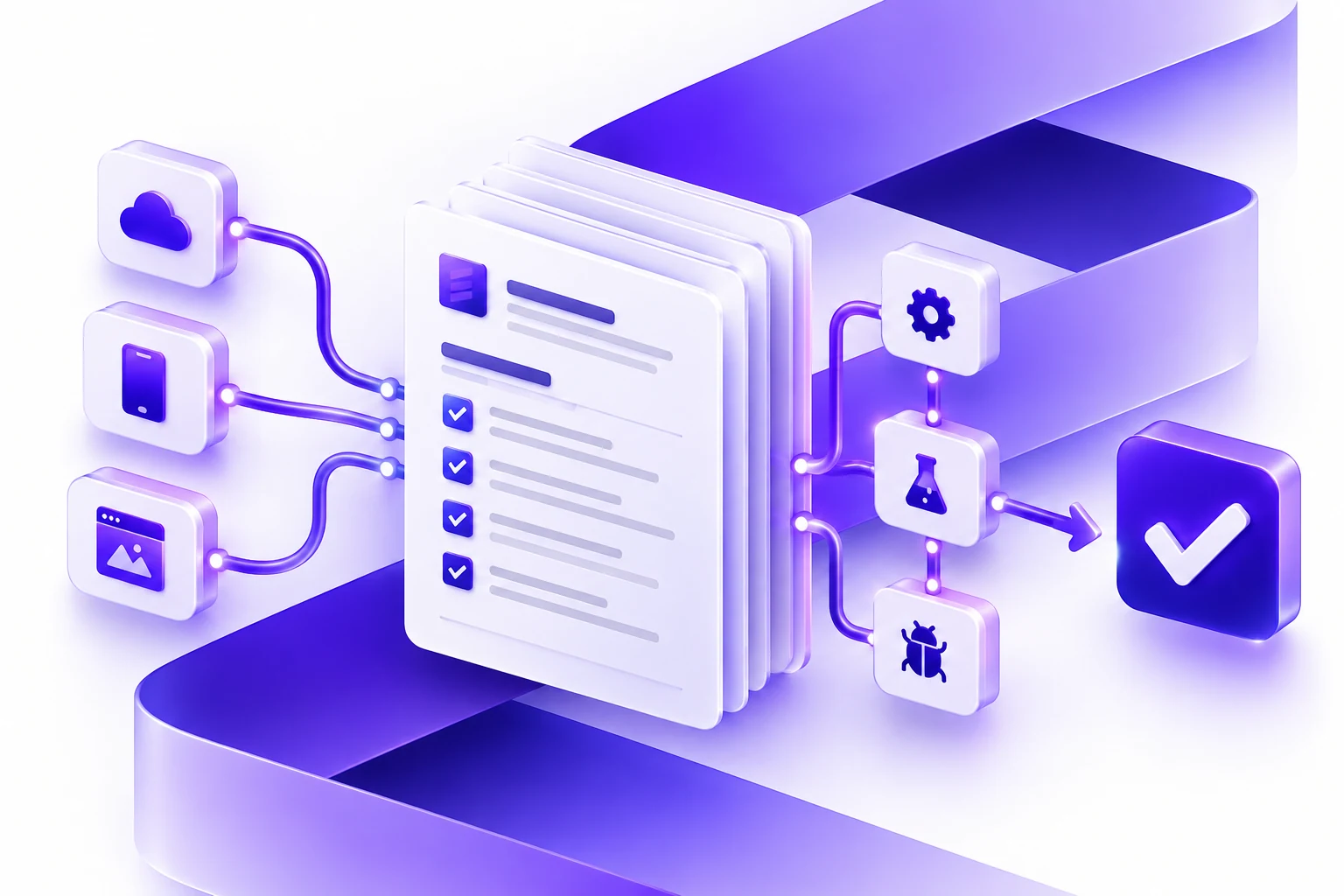
Machine Learning App Development Services: When Custom ML Belongs In an App
A practical guide to deciding when machine learning belongs inside an app, how to prepare data, design review workflows, test outputs, and support the product after launch.
Machine learning app development services are useful when software needs to learn from examples, identify patterns, classify messy information, recommend next steps, detect unusual activity, or support decisions that are difficult to capture with static rules. They are not useful just because a product needs to sound modern.
The practical question is whether machine learning belongs inside the application you are building. If the workflow can be solved with clearer forms, better dashboards, rules-based automation, or a simpler integration, that may be the better first release. If the workflow involves judgment, prediction, prioritization, or unstructured data, machine learning may be worth planning.
Essential Designs helps teams evaluate this decision as part of AI application development, custom software planning, and long-term support.
When Machine Learning Belongs In An App
Machine learning belongs in an app when the software needs to improve a decision or workflow using patterns in data. It can help when the input is messy, the rules are hard to write by hand, or the business already has historical examples that can guide the system.
Common examples include document classification, lead scoring, churn prediction, anomaly detection, recommendations, demand forecasting, quality review, image review, ticket routing, fraud signals, natural language search, and prioritization. In each case, the model is only useful if the output lands somewhere people can act on it.
A model that predicts customer churn is not enough. The application also needs a dashboard, user roles, explanation, recommended next steps, CRM updates, notification rules, and a feedback loop. A document classifier is not enough. The app also needs upload flows, extraction fields, review screens, exception handling, and audit history.
When Simpler Automation Is Better
Some workflows do not need machine learning. If the inputs are structured, the rules are known, and the desired output is predictable, a rules-based workflow may be easier to build and maintain. It may also be easier for staff to understand.
For example, routing an intake form by region, budget, service type, or urgency may not need ML. Checking whether all required fields are present does not need ML. Sending a reminder after a status has not changed for seven days does not need ML. These are often better handled with conventional software automation.
A good development partner should be willing to recommend the simpler path when it fits. The goal is not to use machine learning. The goal is to improve the business workflow.
A Practical Readiness Checklist
Data Volume
Do you have enough relevant examples to support the decision you want the model to make? The answer depends on the problem, the model approach, and the quality of the data. More data is not always better if it is inconsistent or unrelated to the target workflow.
Data Quality
Review missing fields, duplicates, inconsistent labels, old records, biased samples, and edge cases. If staff disagree about how records should be labeled, the model will inherit that confusion. Cleaning the workflow definition often matters as much as cleaning the data.
Data Access
Can the application safely access the data it needs? This may involve database permissions, API access, exports, file storage, CRM records, or document repositories. Access control should be planned before development starts.
Business Ownership
Who owns the model output? Who reviews mistakes? Who decides whether a prediction is useful? Who updates the process when business rules change? Machine learning features need operational ownership after launch.
Design The Review Workflow
Many machine learning applications should start as assisted workflows rather than fully automated systems. This lets the business learn how reliable the output is and gives users a way to correct mistakes.
A review workflow might show the model output, confidence, source data, reasons, recommended next steps, and a button to approve, edit, reject, or escalate. Corrections can become feedback for future improvements. Even if the model does not retrain automatically, the application should capture where the output failed.
For example, a lead scoring tool could let sales managers override the score and select a reason. A support routing tool could let agents correct the category. A document review tool could show extracted fields with confidence and require approval before saving them to the system of record.
Plan For Explanation
Users do not always need a technical explanation, but they need enough context to trust the application. A recommendation should explain what it is based on in plain language. A classification should show the source details. A forecast should show assumptions and limits.
The right level of explanation depends on risk. A product recommendation may need less explanation than an insurance, healthcare, legal, or financial workflow. Higher-risk workflows should have stronger review, audit, and escalation patterns.
Testing Machine Learning Features
Testing a machine learning app is more than checking whether the screen loads. You need to test the model output, the surrounding workflow, the data handling, and the user experience.
- Test typical examples that should work well.
- Test edge cases, missing data, confusing inputs, and duplicated records.
- Measure false positives and false negatives where they matter.
- Review whether users understand the output and next step.
- Confirm permissions, logging, audit history, and data retention.
- Test fallback behavior when the model cannot produce a reliable result.
The first release should also include a post-launch review period. Real users will find patterns that test data misses.
What The Application Around ML Usually Needs
The model is only one part of the product. A useful machine learning application may need accounts, roles, permissions, data pipelines, dashboards, admin tools, notifications, APIs, audit logs, source tracking, error handling, and a support process.
This is why machine learning app development should be scoped as product development. The surrounding application determines whether the ML feature becomes useful in real operations.
If the feature needs to connect to several systems, it may overlap with enterprise application development. If the goal is to reduce repeated manual work, it may overlap with custom software automation.
Useful ML App Use Cases
Operations Prioritization
Rank work orders, service requests, claims, tickets, or inspections by urgency, risk, likely value, or missing information. The app should let staff review the reason and override the priority.
Document Review
Classify documents, extract fields, flag missing information, and route exceptions. The review screen should make correction easy and preserve audit history.
Recommendations
Recommend products, next actions, content, support articles, or internal resources. The application should collect feedback on whether the recommendation was useful.
Forecasting
Support demand planning, staffing, inventory, or budgeting. Forecasts should include assumptions, confidence ranges where useful, and a clear way for humans to adjust plans.
Questions To Ask Before Building
- What decision or workflow should ML improve?
- What historical examples exist, and are they reliable?
- What happens if the model is wrong?
- Who reviews or approves the output?
- How will users correct mistakes?
- How will the application show confidence, sources, or explanation?
- Which systems need to receive the final result?
- How will the feature be monitored after launch?
How Essential Designs Helps
Essential Designs helps teams decide whether machine learning belongs in the product, what the first release should include, and how the surrounding application should work. We plan the workflow, design the interface, build the software, connect the data, test the output, and support improvements after launch.
When a dedicated team is needed beyond the first release, our assigned AI staff model can support ongoing automation, integrations, QA, and product improvements.
Discuss a machine learning app
Related AI Planning Guides
For related AI application planning and service pages, continue here: