Lifeguard
Essential Designs was able to create a cutting edge application that will save lives, they always say "Anything can be done" and are definitely able to deliver on that promise.
Jeff Hardy, Founder


Automate the work your team is still forcing through spreadsheets, disconnected tools, legacy ERP processes, manual approvals, and repeated data entry.
Essential Designs builds custom backends, ERP-connected systems, data workflows, and AI integrations with senior developers, fixed price quoting, clear communication, and timelines you can plan around.
AI Automation
Let us know your industry, we will send you an email with the latest time saver.
Our Clients
Essential Designs was able to create a cutting edge application that will save lives, they always say "Anything can be done" and are definitely able to deliver on that promise.
Jeff Hardy, Founder

We've been engaged with Essential Designs for several years now and we've found that the value they deliver is significantly above everyone else that we deal with.
Rick Twaddle, SBA

We are a company present in more than 150 countries. I was very happy with their efficiency. They were responsive and happy to make any changes that we required.
Kirill Kudymov, Product Manager

I had a lot of trust in them, everyone knew their job, and they worked very efficiently. The trust and communication skills were what distinguished them from their competitors.
Cristen Phipps, Owner







A senior-led process for turning manual operations, ERP gaps, data problems, and AI opportunities into a practical build plan.
We identify the manual steps, duplicated data, bottlenecks, approvals, systems, and reporting gaps slowing the organization down.
We document the ERP, backend tools, databases, APIs, spreadsheets, users, roles, and integration points involved.
We define the automation plan, assumptions, milestones, budget, timeline, and measurable outcomes before development begins.
Senior developers build the backend, integrations, dashboards, permissions, and AI features in focused delivery stages.
We test data accuracy, edge cases, permissions, workflow logic, AI outputs, performance, and system reliability.
We support deployment, handoff, documentation, adoption, tracking, and future improvements after the system goes live.
For Adwords traffic, the next step should be simple: senior review, a clear technical plan, fixed-price quoting, and a realistic delivery timeline.
Get an Automation Estimate
Why Essential Designs
Teams looking for automation help usually need a better operating system for the business: connected data, cleaner approvals, reliable dashboards, and software that fits the workflow instead of forcing another tool into the stack.
Common fits include approvals, reporting, data entry, ERP-connected processes, customer portals, admin dashboards, document workflows, inventory steps, and repeatable operations that depend on multiple systems.
Not always. We start with the workflow and only recommend AI when it creates a measurable benefit, such as faster triage, cleaner extraction, better review support, or reduced manual checking.
Yes. We regularly plan around APIs, databases, ERP tools, spreadsheets, CRMs, dashboards, and legacy systems so the new workflow supports the tools the business already depends on.
Selected Work
A quick look at real mobile apps, web platforms, SaaS portals, and business systems from the Essential Designs portfolio.
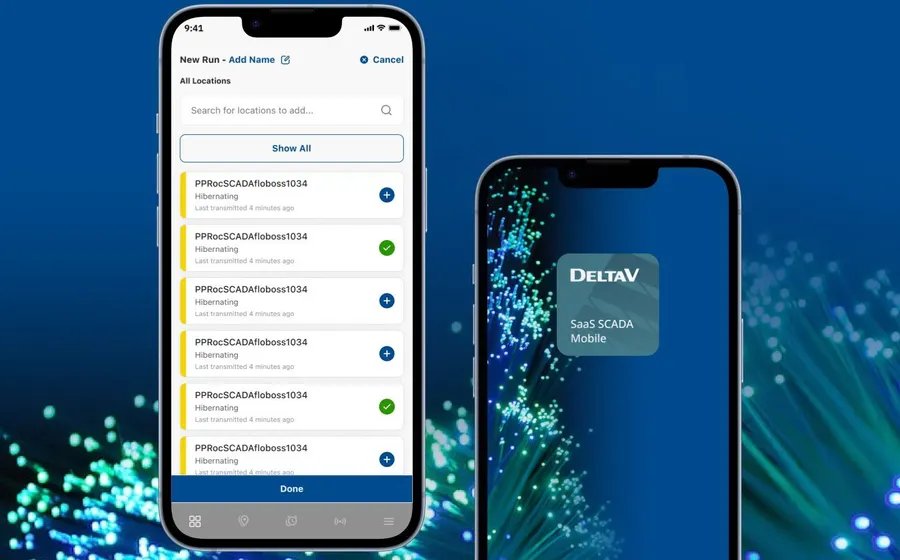
Modernized field operations app with dashboards, alerts, reporting, and low-data workflows.
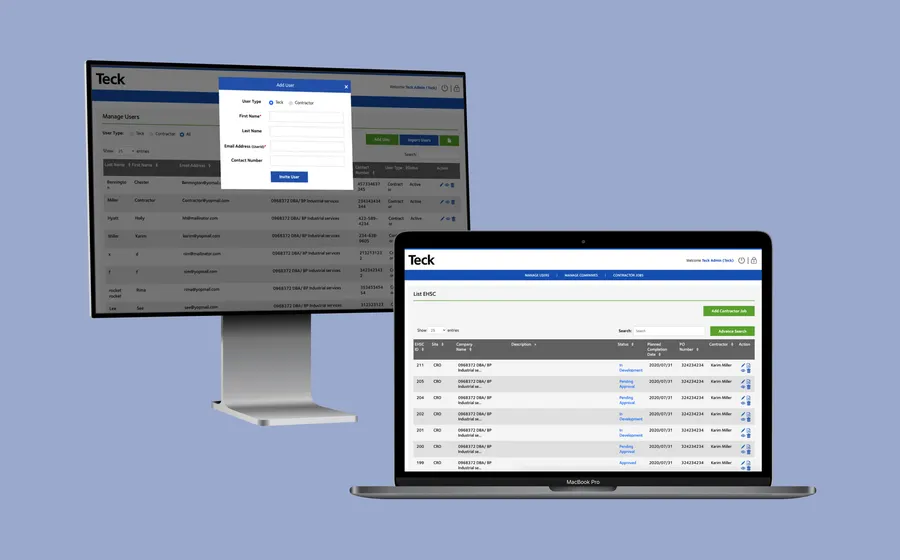
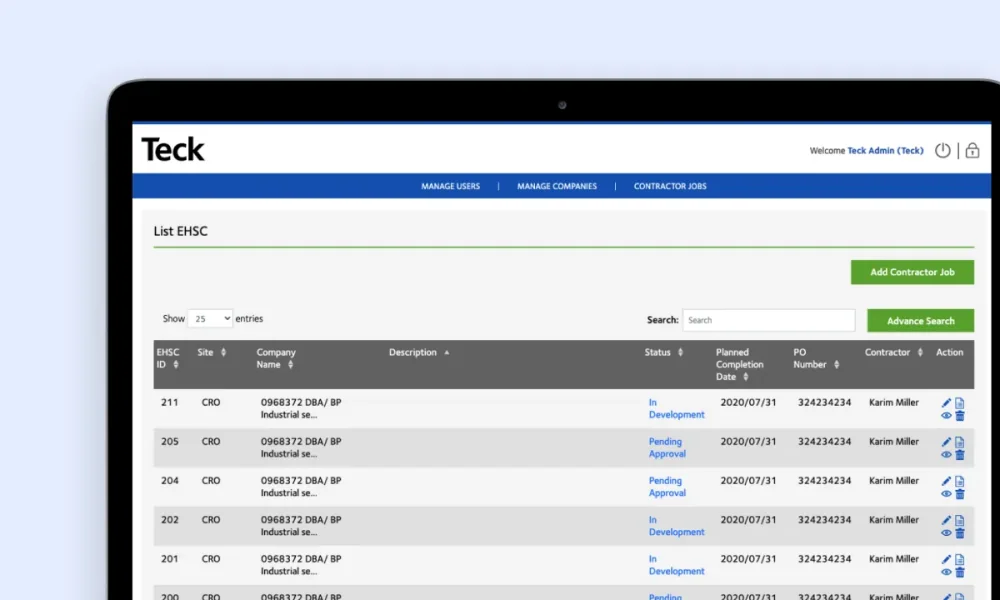
Responsive EHSC application for on-site safety checks and reporting.
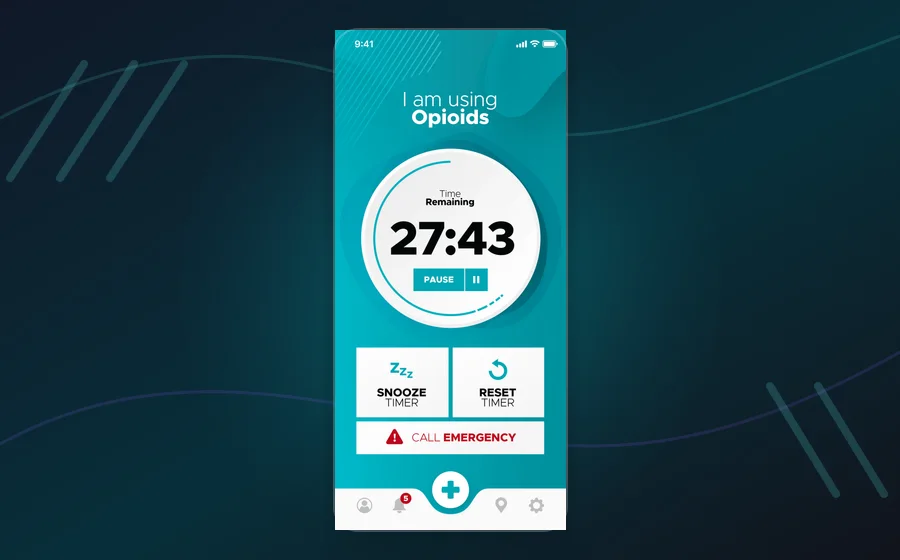
Groundbreaking safe-consumption platform with emergency response workflows.
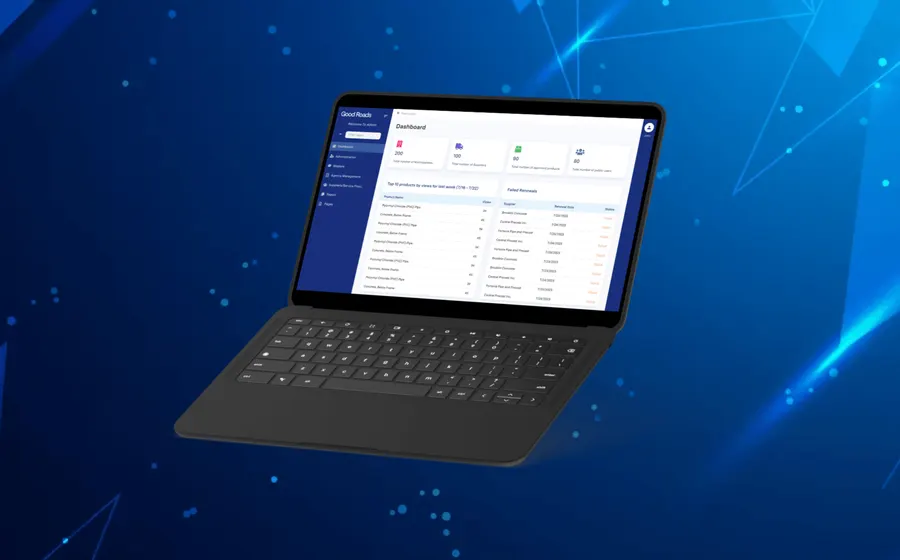
Vendor database and technical-services portal for government procurement workflows.
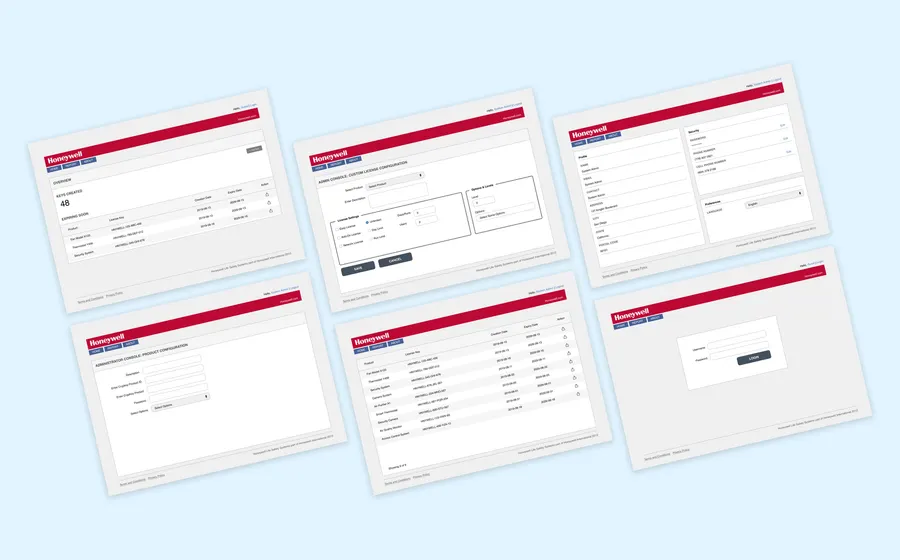
Global license-key management software for a complex enterprise workflow.
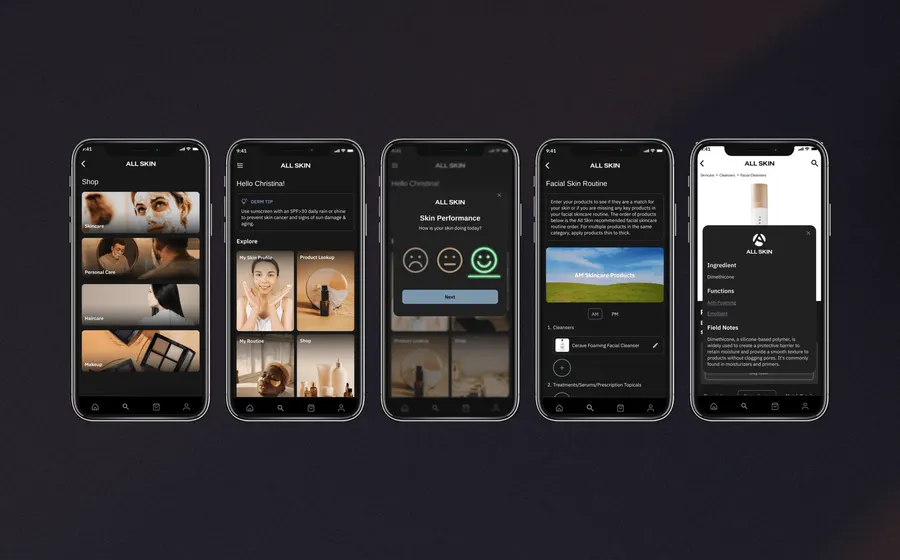
Personalized skincare app using product data, surveys, and routine analysis.
We connect ERP processes, approvals, inventory, finance, operations, and reporting into cleaner software workflows.
We build secure backends, portals, APIs, admin tools, and operational systems around the way your organization works.
We centralize data, reduce duplicate entry, create dashboards, and help teams trust the information they use daily.
We add practical AI for document processing, triage, internal copilots, QA, reporting, and workflow automation.
Helpful resources
Use these resources to evaluate workflow automation, data systems, integrations, and modernization opportunities.
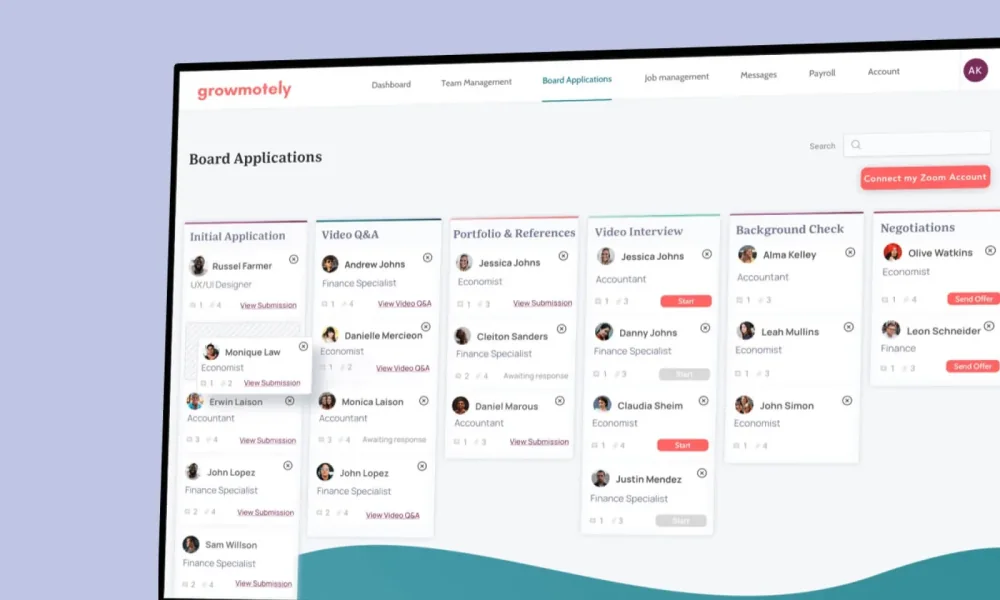
Automation works best when it starts with the actual workflow. We look at how people, systems, approvals, data, and decisions move through your organization today.
Many teams do not need another off-the-shelf tool. They need a custom backend, ERP-connected workflow, dashboard, API, or data system that fits their operations.
AI can be useful when it is tied to a measurable business outcome: faster review, cleaner data, better triage, fewer manual checks, or more reliable reporting.
Senior developers handle the build with clear communication, fixed price quoting, and delivery milestones, so leaders know what is being built and why.
The result is software that reduces manual work, improves visibility, strengthens accountability, and gives the organization a better system to grow on.
We help US organizations turn operational friction into custom software that saves time, reduces errors, and supports smarter decisions.