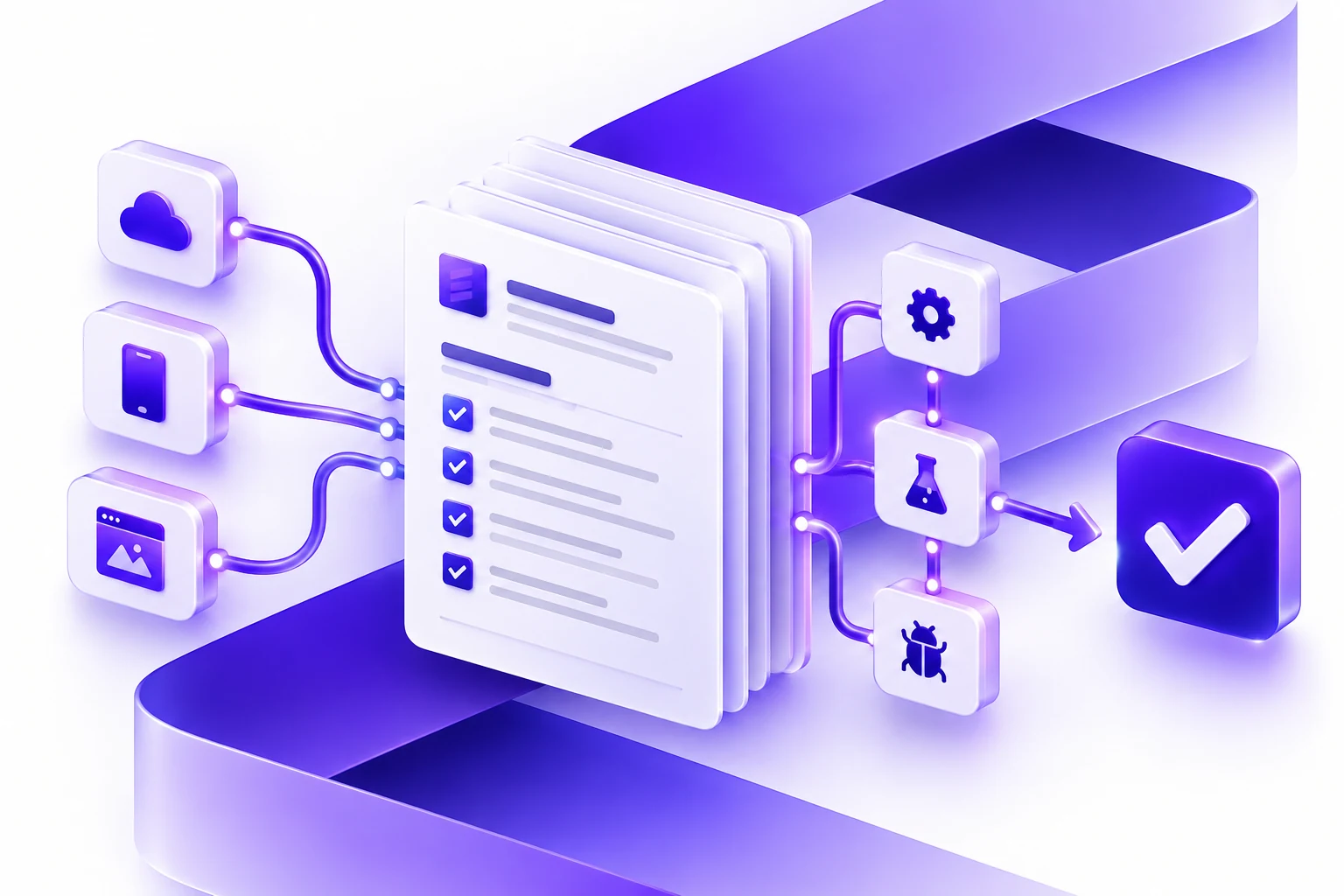
Enterprise Application Development Services: What To Plan Before You Build
Plan enterprise application development services with clearer workflows, roles, integrations, reporting, QA, rollout, and long-term support.
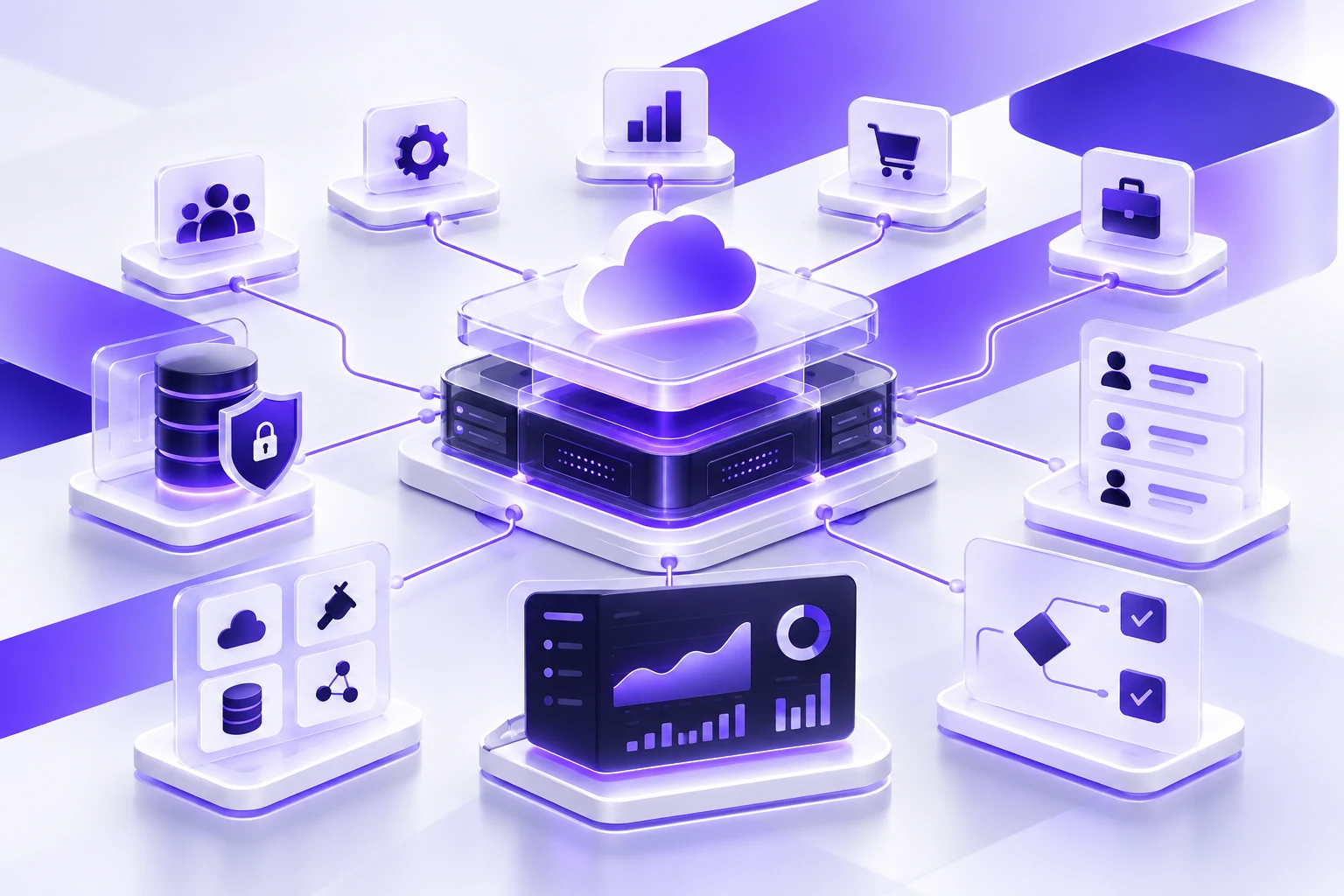
Enterprise application development services work best when the team starts with the business system, not a loose feature list. Before design or development begins, the important work is clarifying workflows, users, permissions, data, integrations, reporting, release priorities, and support.
What Counts As Enterprise Application Development?
An enterprise application is software that supports a core business process. It might be an internal platform, customer portal, partner portal, field-service tool, reporting dashboard, approval system, scheduling workflow, integration layer, or modernization project for an older application.
The common thread is operational importance. These applications often touch multiple departments, connect to existing systems, and need to keep working after the first launch. That is why planning matters as much as the code. A good plan protects the budget, reduces ambiguity, and gives stakeholders a clearer way to decide what belongs in the first release.
Essential Designs approaches this work through discovery, product design, software development, QA, launch, and long-term support. If you are still shaping the larger service decision, our enterprise application development page explains the broader delivery model.
Six Planning Areas That Change The Project
Workflow And User Roles
Start by documenting who uses the application, what they need to accomplish, which decisions they make, and where work moves between teams. Enterprise software should fit the operating model, not force every team into a generic process.
Permissions And Governance
Define the roles, approval rules, admin controls, audit needs, and data access boundaries before screens are designed. This prevents rework later when the application has to support managers, staff, customers, partners, and administrators differently.
Data And Integrations
List the systems the application will depend on, including CRMs, ERPs, accounting platforms, databases, document tools, payments, analytics, and legacy applications. The quality of those connections often shapes the real project plan.
Reporting And Visibility
Clarify what leaders, managers, and operational teams need to see. Dashboards, exports, alerts, and status views are easier to build well when the source data and decision points are understood early.
Security And Compliance
Security requirements should be part of scope, not a final checklist. Identify sensitive data, retention needs, login rules, audit expectations, hosting constraints, and any industry requirements that affect the build.
QA, Rollout, And Support
Enterprise applications usually have edge cases, dependencies, and training needs. Plan testing, stakeholder reviews, deployment, documentation, support, and future improvements before committing to the first release.
Questions To Answer Before Development Starts
- Which workflow is painful enough that the business is ready to change it?
- Who will use the application every day, and what does each role need to do?
- Which existing systems must the application read from, write to, or replace?
- What reports, dashboards, or status views will make the system valuable?
- Which parts of the process require approvals, audit history, or restricted access?
- What should the first useful release include, and what can wait?
- Who owns support, improvements, and system decisions after launch?
Build, Modernize, Or Integrate?
Not every enterprise application project should start as a brand-new platform. The right answer depends on the value of the existing system, the quality of the data, and the workflow the business needs to improve.
Build A New Enterprise Application
This fits when the current process depends on spreadsheets, email, disconnected tools, or manual handoffs that cannot scale. Define the first release carefully, then map roles, workflows, integrations, reporting, QA, deployment, and support.
Modernize An Existing System
This fits when an old platform still matters to the business but has become hard to maintain, extend, secure, or use. Review the existing code, data, users, integrations, risk points, and migration path before choosing a replacement or rebuild plan.
Integrate Systems
This fits when teams already have important tools, but the business loses time because information is copied or reconciled manually. Confirm source systems, ownership, API limits, data rules, error handling, reporting needs, and operational fallback plans.
What Should Go Into The First Release?
Enterprise application development can become too broad when every department tries to solve every problem at once. A better first release supports a complete, valuable workflow while leaving room for future improvements.
This does not mean building something thin or temporary. It means choosing a release that is useful enough to justify adoption, focused enough to test properly, and clear enough for stakeholders to approve. The first release should create momentum instead of becoming a permanent planning exercise.
- The smallest workflow that can create measurable operational value
- The user roles and admin controls required for that workflow
- Core data fields, validations, and integration points
- Reporting views needed to manage the process
- Acceptance criteria for the features that must work at launch
- A support plan for fixes, training, and the next round of improvements
What Affects Enterprise Application Cost And Timeline?
Cost and timeline are usually shaped by scope, integration complexity, user roles, data migration, reporting needs, security requirements, stakeholder review cycles, and the amount of QA required before launch. A simple internal workflow may be straightforward. A multi-role platform with legacy data, approvals, reporting, and several integrations needs a more careful plan.
The most useful estimate explains assumptions. It should make clear what is included, what is excluded, which integrations are known, what needs technical discovery, and how the team will handle changes. If a project has too many unknowns, a discovery phase is often the responsible first step.
This is also where software support matters. Enterprise applications are rarely finished at launch. Teams need bug fixes, user feedback, monitoring, small improvements, documentation updates, and future releases. Our software development team and software support services are structured around that longer lifecycle.
How Essential Designs Plans Enterprise Software
Essential Designs helps teams move from business need to buildable scope. We review the workflow, users, data, integrations, risks, and desired outcomes before recommending the right path. That path might be a new application, a modernization plan, an integration project, or a phased roadmap.
Once the scope is clear, our team can design the experience, build the application, test the workflows, support deployment, and continue improving the software after launch. The goal is not just to ship screens. The goal is to build a system the business can actually run on.
Plan your enterprise application
Related Planning Guides
For the main service page and adjacent planning topics, these are the most useful next reads:
Related AI Planning Guides
For enterprise buyers evaluating AI inside larger systems, these pages help plan the next step:
- AI application development
- How to compare AI application development companies
- Machine learning app development services
- AI chatbot development company planning guide
Planning a related project? Explore how Essential Designs approaches logistics software development.