Applications arrive in different formats.
Email attachments and spreadsheets make it difficult to see what is complete, what changed and which submission is ready for review.

Public sector and association software
Agencies and associations often serve people outside the organization while coordinating careful review inside it. We build portals and business systems that make requests, decisions and responsibilities easier to follow.
For municipalities, public agencies, associations and member organizations.
Discuss your public-sector or association platformSee our Good Roads work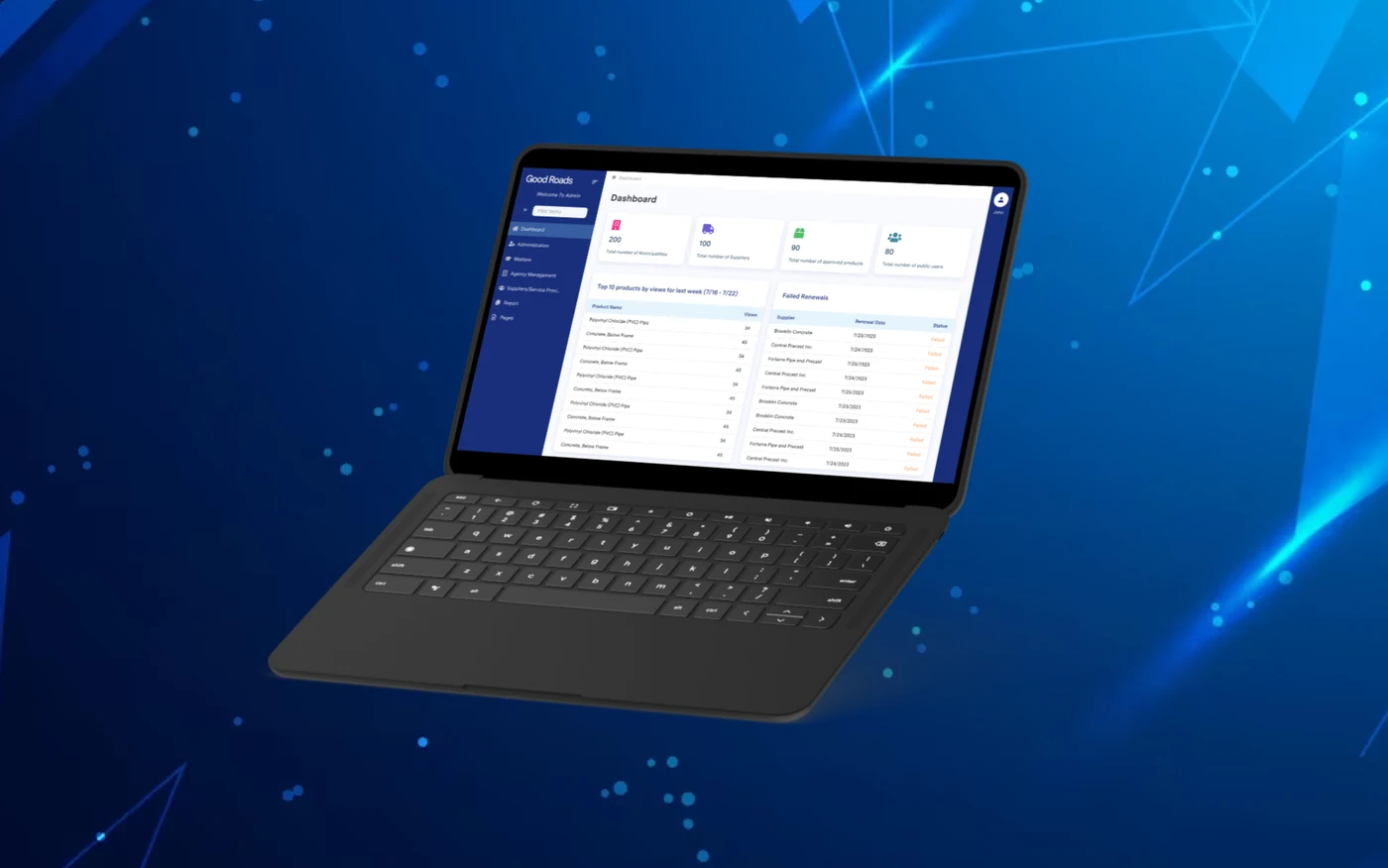
The everyday friction
Email attachments and spreadsheets make it difficult to see what is complete, what changed and which submission is ready for review.
When status lives inside an internal process, vendors or members have to contact staff for updates that a clear portal could provide.
A decision may involve program staff, reviewers and administrators. Each person needs the right information and a clear record of the outcome.
Relevant experience
Essential Designs project
We developed the Good Roads Technical Services Portal, a web-based SaaS vendor database that connects manufacturers, distributors and suppliers with municipal and provincial agencies. Agencies can review services, while vendors use one point of access for agency approvals.
What we can build together
Choose the parts that matter to your business. We will work through the details, existing systems and practical limits with you.
Talk through your priorities ↗Collect the right organization, contact and supporting information once. Show what is missing and let authorized users maintain their own records.
Route a submission through review, questions, changes and a decision. Define the responsibilities and records required at each step.
Give vendors, members or program participants a clear place to submit information, see status and find the services or documents available to them.
Plan staff roles, search, exports and operational reports around the questions the organization needs to answer and the systems that hold related records.
A practical first step
Bring a representative application or member request and follow it through review, questions, changes and the final decision. Include the exceptions staff handles manually.
Identify public, applicant, reviewer and administrator roles. Define what each person can see, what history must be retained and who approves those requirements.
Check the language, accessibility, mobile experience and support path with the people who submit and review the request. Plan migration and training before launch.
A free tool to try
Use our free Process Mapper to lay out a fictional submission, review and approval flow. Do not enter personal, confidential or applicant information.
No account required. Your tool entries stay in your browser.
Useful reading
Prepare users, workflows, permissions, accessibility needs and integrations before vendor discovery.
Consider how organizational and regulatory requirements become reviewable project requirements.
Review practical ways to make digital services clearer and more usable for people with different needs.
Before you get started
Yes. Discovery defines what each role can submit, view, change and approve. Those rules guide the portal, administration tools and test scenarios.
We include accessibility requirements in planning, design and QA, and agree on the standards and acceptance process for the organization. Content, documents and third-party services also need review.
We can review supported APIs, exports, data ownership and security requirements. Where a direct connection is not appropriate, a controlled import or export may be a better first step.
Yes. We first review the current workflow, code, data, user feedback and operational risks. That evidence helps decide whether to improve, modernize or replace each part.
Let's talk about your project
Tell us who submits, who reviews and where the process slows down. We will help define a first release that works for staff and the people they serve.
Prefer a conversation? (888) 559-4825 ↗Tell us about your project and ask about an 80-hour Essential Designs sprint, on us. We reserve a limited number of these offers for work where the sprint can create something useful and measurable.
Availability, fit, scope and timing are confirmed with you before work begins. No cash value.