Lifeguard
Essential Designs was able to create a cutting edge application that will save lives, they always say "Anything can be done" and are definitely able to deliver on that promise.
Jeff Hardy, Founder


Augmented reality can be useful when it helps people understand a product, place, workflow, or object in the context where they actually use it.
Essential Designs helps teams plan AR app ideas carefully, compare native ARKit, ARCore, cross-platform, and web options, then scope the mobile experience, backend needs, content pipeline, testing, launch, and support.
AI Automation
Let us know your industry, we will send you an email with the latest time saver.
Our Clients
Essential Designs was able to create a cutting edge application that will save lives, they always say "Anything can be done" and are definitely able to deliver on that promise.
Jeff Hardy, Founder

We've been engaged with Essential Designs for several years now and we've found that the value they deliver is significantly above everyone else that we deal with.
Rick Twaddle, SBA

We are a company present in more than 150 countries. I was very happy with their efficiency. They were responsive and happy to make any changes that we required.
Kirill Kudymov, Product Manager

I had a lot of trust in them, everyone knew their job, and they worked very efficiently. The trust and communication skills were what distinguished them from their competitors.
Cristen Phipps, Owner







A practical process for validating AR fit, defining the mobile experience, building the product, testing real-world behavior, and supporting future releases.
We review users, devices, environment, product goal, camera and sensor needs, content requirements, ARKit, ARCore, web AR, budget, and technical risk.
We define the first release, core AR moments, screens, user roles, data flows, integrations, assumptions, milestones, QA needs, and support expectations.
We map onboarding, permissions, marker-based or markerless scanning, object placement, controls, empty states, error states, and fallback paths before development begins.
Senior developers create the prototype or production app, connect backend systems, prepare content workflows, and build the mobile experience in focused stages.
We test devices, camera permissions, lighting conditions, content loading, integrations, poor-network behavior, performance, and edge cases.
We support release, monitoring, updates, dependency changes, content changes, bug fixes, and future AR or mobile app improvements after launch.
Augmented reality adds value only when it improves the user task. We help clarify the use case, content needs, technical constraints, budget, timeline, and support plan before development starts.
Plan Your AR App
Augmented reality app development services
Teams searching for augmented reality app development are usually comparing product value, technical risk, platform fit, content cost, and device support. We help clarify the decisions that determine whether AR becomes a useful product feature or an expensive experiment.
We review the real task, environment, user expectations, device needs, and business goal before recommending AR as the right experience.
We compare native iOS ARKit, Android ARCore, cross-platform mobile, and browser-based AR options against the product goal, audience, budget, and maintenance plan.
We define whether the app needs printed markers, image recognition, surface detection, object placement, guided overlays, or a simpler visual product experience.
We plan how models, images, labels, instructions, metadata, product data, approvals, and updates will move from the business into the app.
Most AR apps still need APIs, accounts, content management, admin tools, analytics, reporting, ecommerce connections, or CRM handoffs behind the camera experience.
We plan testing around devices, permissions, lighting, movement, content loading, network conditions, integrations, and release paths.
Why Essential Designs
An AR app should make a specific task clearer, faster, or more useful. These answers explain how we compare options, plan the product, and reduce delivery risk.
AR can be a good choice when spatial context, camera interaction, object placement, or visual guidance makes the user task clearer than a standard screen-based experience.
Often, yes. A prototype can test user value, device behavior, content needs, interaction design, and technical risk before committing to a broader production build.
Yes. We can plan AR apps that connect to APIs, product catalogs, admin tools, accounts, analytics, ecommerce systems, CRMs, or other business platforms.
It depends on the product goal, required device features, audience, content complexity, budget, and maintenance plan. Native ARKit or ARCore may fit deeper mobile AR features, while web AR can fit simpler browser-based product or marketing experiences.
Marker-based AR uses a known image or printed marker to trigger the experience. Markerless AR relies more on surface detection, object placement, or environmental understanding, which can create more flexible experiences but usually needs more careful testing.
AR apps may need 3D models, product images, labels, videos, instructions, metadata, product data, admin tools, and update workflows. Content ownership and approval rules should be planned before development starts.
Measurement can include scans, placements, object views, completion events, product interactions, account actions, conversions, support requests, device performance, and user feedback.
Yes. AR app testing should cover devices, camera permissions, lighting conditions, tracking behavior, movement, content loading, network behavior, and performance.
Yes. We compare the user task, device needs, budget, timeline, content requirements, backend systems, and maintenance plan before recommending a build path.
Selected Work
A quick look at real mobile apps, web platforms, SaaS portals, and business systems from the Essential Designs portfolio.
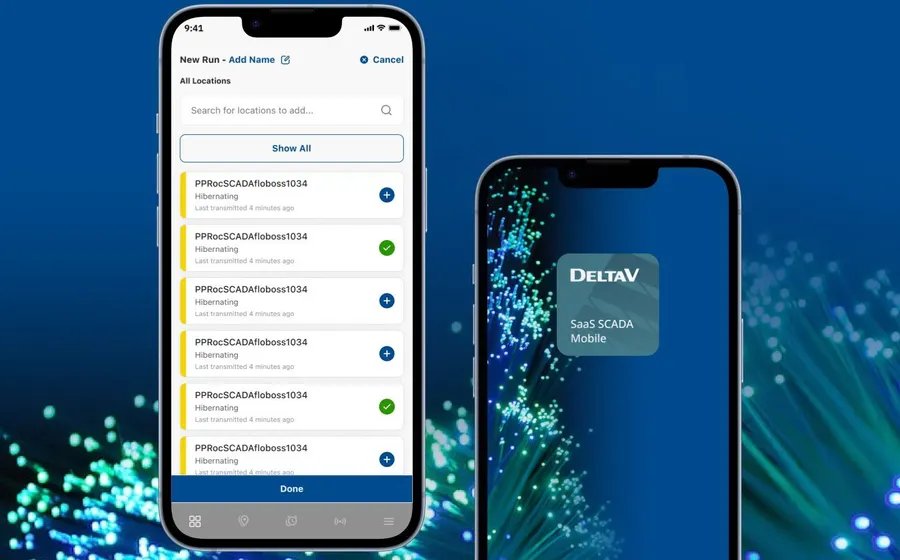
Modernized field operations app with dashboards, alerts, reporting, and low-data workflows.
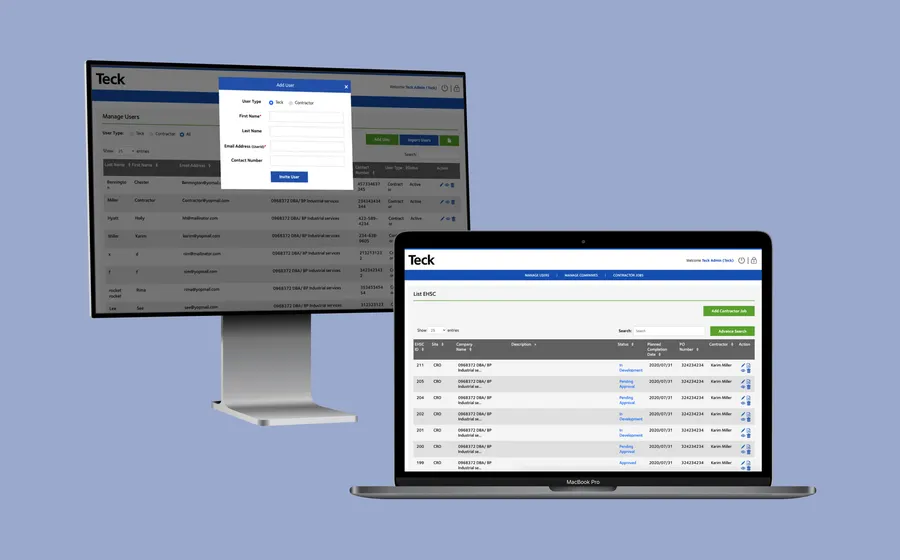
Responsive EHSC application for on-site safety checks and reporting.
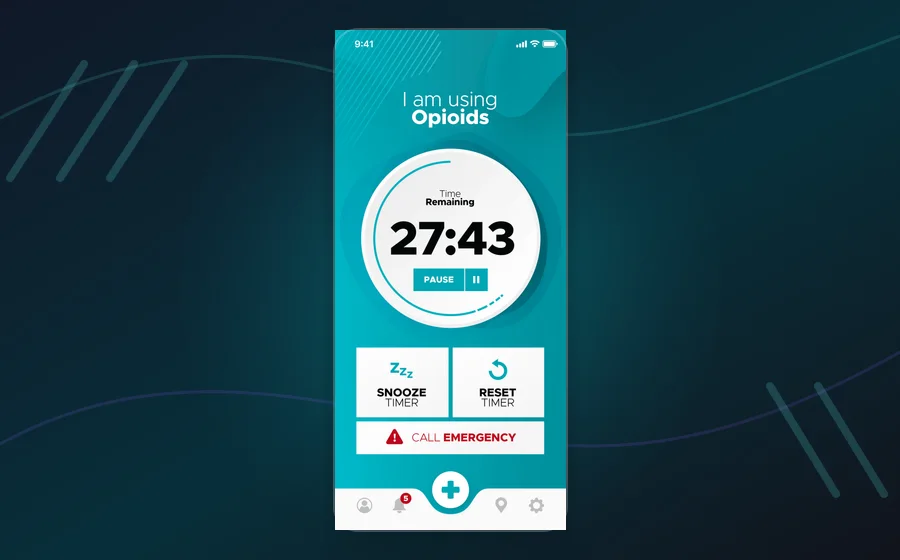
Groundbreaking safe-consumption platform with emergency response workflows.
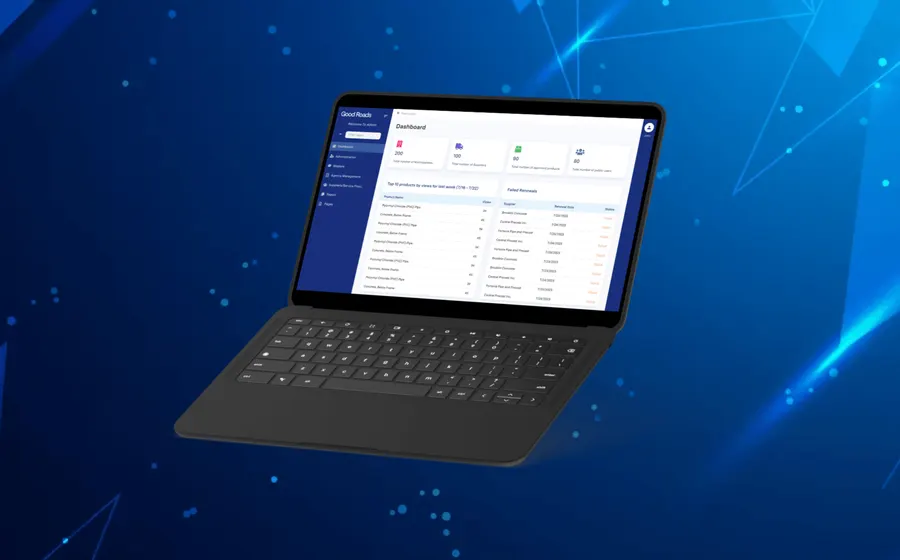
Vendor database and technical-services portal for government procurement workflows.
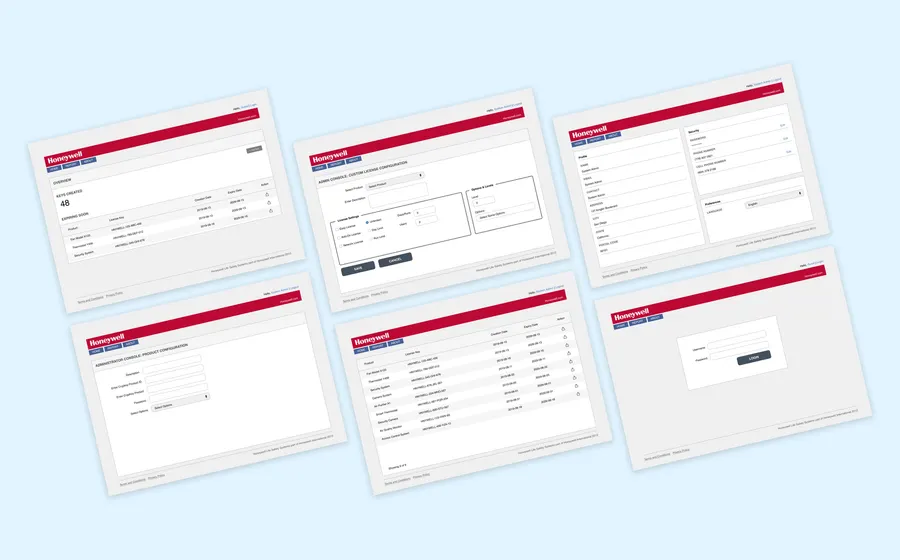
Global license-key management software for a complex enterprise workflow.
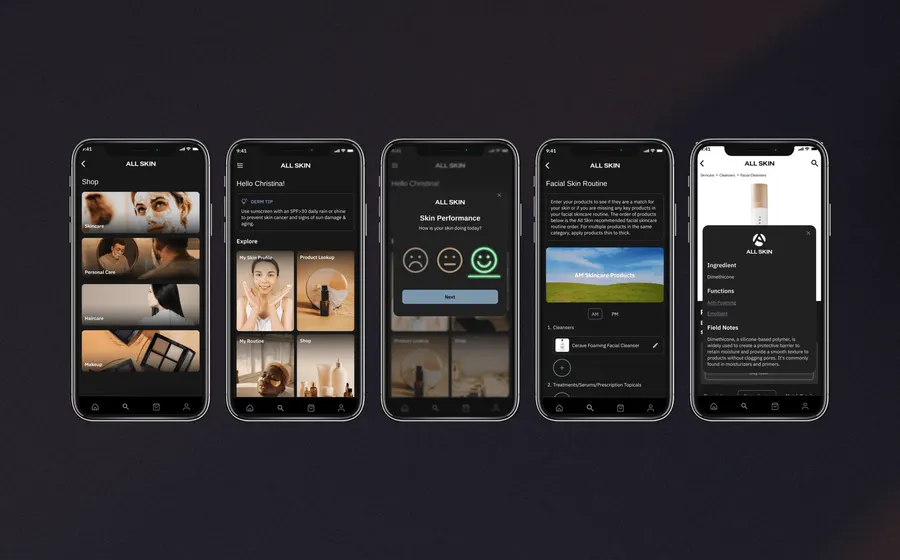
Personalized skincare app using product data, surveys, and routine analysis.
We help plan and build iOS ARKit, Android ARCore, and cross-platform mobile AR experiences when device fit, user context, and first-release scope are clear.
We turn early AR ideas into practical prototypes that test interaction, content, device behavior, technical risk, and product value before a larger build.
We connect AR experiences to APIs, accounts, product data, 3D assets, admin tools, analytics, content updates, and the systems needed behind the mobile interface.
We test device behavior, lighting conditions, permissions, performance, content loading, account states, integrations, and release readiness.
Helpful resources
These related resources can help teams think through mobile scope, product fit, testing, requirements, and support before starting an augmented reality app build.
Augmented reality app development should start with a clear reason for using AR. If the camera view, spatial context, or object placement does not make the task easier, a standard mobile app or web app may be the better choice.
A useful AR app needs a real user context. Teams should define where the app will be used, which devices are expected, how much time users have, what lighting or space conditions matter, and what should happen when AR tracking is imperfect.
Content planning is part of the software plan. Product models, images, labels, instructions, metadata, videos, or 3D assets need ownership, update rules, approval steps, and a way to reach the app reliably.
Platform choice should be deliberate. Native ARKit and ARCore can be strong fits for deeper mobile AR features, while cross-platform or web AR may fit lighter product visualization, sales, marketing, or education experiences.
The AR interaction model should be defined early. Marker-based AR, markerless AR, image recognition, surface detection, object placement, guided overlays, and 3D product views each create different design, content, device, and testing requirements.
The first release should be focused. A smaller AR prototype or narrow production feature can validate the experience, device behavior, and user value before the project expands into a broader mobile product.
Backend planning still matters. Many AR apps need accounts, product catalogs, admin tools, APIs, analytics, reporting, ecommerce connections, CRM handoffs, or content management behind the mobile interface.
Measurement should be part of the build plan. Teams may need to track scans, placements, object views, completion events, product interactions, account actions, conversion paths, support requests, or usage by device type.
Common AR app use cases include product visualization, training, field support, customer education, sales tools, inspection workflows, installation guidance, and interactive demonstrations.
Testing should happen in realistic conditions. Device model, operating system, camera permission, lighting, movement, poor-network behavior, and performance can all affect whether the AR experience feels useful.
Long-term support should be planned early because mobile operating systems, AR frameworks, devices, dependencies, and content needs change. A good AR roadmap includes maintenance, updates, and future product improvements.
We help teams decide when augmented reality is useful and build the product foundations that make the app easier to maintain.