Lifeguard
Essential Designs was able to create a cutting edge application that will save lives, they always say "Anything can be done" and are definitely able to deliver on that promise.
Jeff Hardy, Founder


Build a progressive web app when your users need a fast, mobile-friendly, installable product without the full overhead of separate native iOS and Android apps.
Essential Designs helps teams compare PWA, native app, and responsive web options, then plan the offline behavior, backend requirements, performance, installability, QA, and support model behind the right build.
AI Automation
Let us know your industry, we will send you an email with the latest time saver.
Our Clients
Essential Designs was able to create a cutting edge application that will save lives, they always say "Anything can be done" and are definitely able to deliver on that promise.
Jeff Hardy, Founder

We've been engaged with Essential Designs for several years now and we've found that the value they deliver is significantly above everyone else that we deal with.
Rick Twaddle, SBA

We are a company present in more than 150 countries. I was very happy with their efficiency. They were responsive and happy to make any changes that we required.
Kirill Kudymov, Product Manager

I had a lot of trust in them, everyone knew their job, and they worked very efficiently. The trust and communication skills were what distinguished them from their competitors.
Cristen Phipps, Owner







A senior-led process for deciding whether a PWA fits, then planning, building, testing, and supporting the product.
We review users, devices, workflow, browser requirements, installability needs, offline expectations, native feature needs, budget, and roadmap.
We define the first release, app-like features, backend needs, offline rules, sync behavior, performance targets, QA requirements, and milestones.
We design responsive flows, navigation, install prompts, empty states, offline states, forms, dashboards, and mobile-friendly interactions.
Senior developers build the PWA, service worker strategy, API connections, backend features, admin tools, and deployment workflow.
We test browser behavior, mobile devices, performance, caching, offline paths, sync states, authentication, forms, integrations, and accessibility.
We support deployment, monitoring, analytics, bug fixes, performance improvements, browser changes, backend updates, and future roadmap decisions.
A progressive web app can be the right choice, but not always. We help compare PWA, native app, and responsive web paths against your users, devices, offline needs, budget, and long-term maintenance.
Plan Your PWA
PWA development services
Searches for progressive web app development company, PWA development company, and PWA development services usually come from teams comparing web, native, and cross-platform options. This page explains the practical fit questions before a build starts.
We compare installability, device features, app store needs, offline requirements, browser support, budget, maintenance, and user expectations before recommending a path.
We define what should work offline, what should wait for a connection, how data syncs, and how users understand errors or drafts.
PWAs often need APIs, authentication, dashboards, databases, notifications, reports, admin tools, and integrations to support the web experience.
We test speed, caching, responsive layouts, browser behavior, authentication, forms, integrations, accessibility, and release readiness.
Why Essential Designs
A progressive web app should be chosen for the right reasons. These answers explain when a PWA fits, where it has limits, and how Essential Designs plans the work.
A PWA can be a strong fit when users need a fast, mobile-friendly, installable web product and the project does not require deep native device features or app store-first distribution.
Native apps may be better when the product needs advanced device features, app store distribution, complex background behavior, deeper platform-specific experiences, or hardware access that browsers cannot reliably provide.
A PWA can support offline or poor-network behavior, but it must be scoped carefully. The team needs to define what data is cached, what users can edit offline, how sync works, and what happens when a connection returns.
No. A responsive website adapts to different screen sizes. A PWA may also add installability, caching, offline behavior, service worker logic, and app-like interaction patterns.
Usually, yes. Most useful PWAs need APIs, authentication, databases, dashboards, admin tools, reporting, integrations, and support systems behind the browser experience.
Selected Work
A quick look at real mobile apps, web platforms, SaaS portals, and business systems from the Essential Designs portfolio.
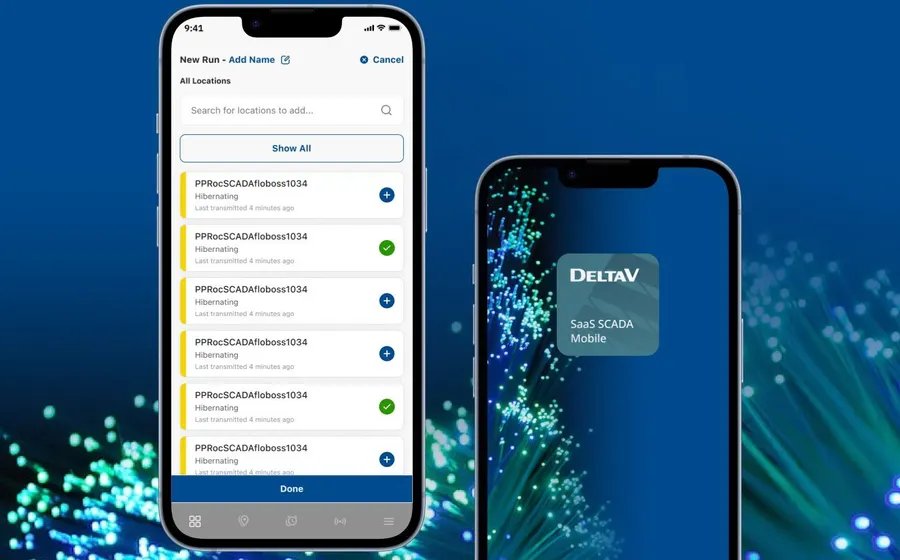
Modernized field operations app with dashboards, alerts, reporting, and low-data workflows.
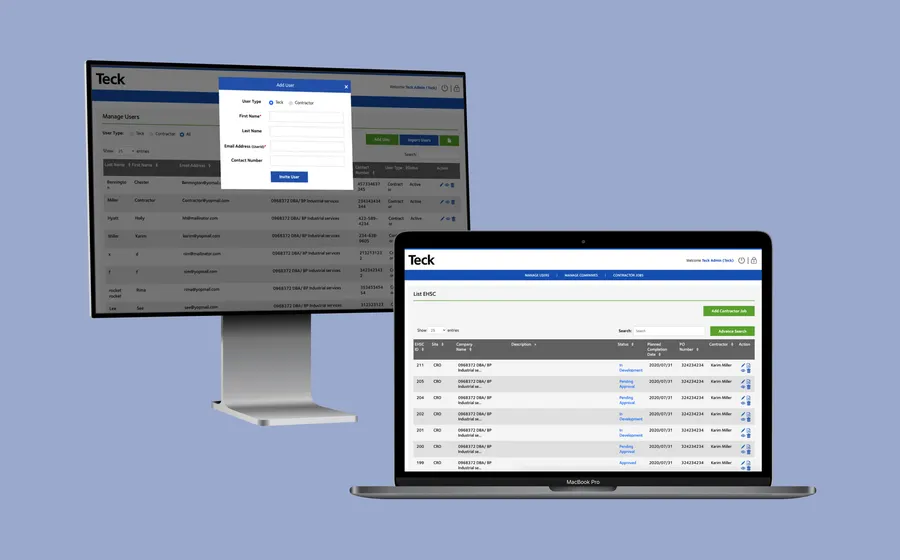
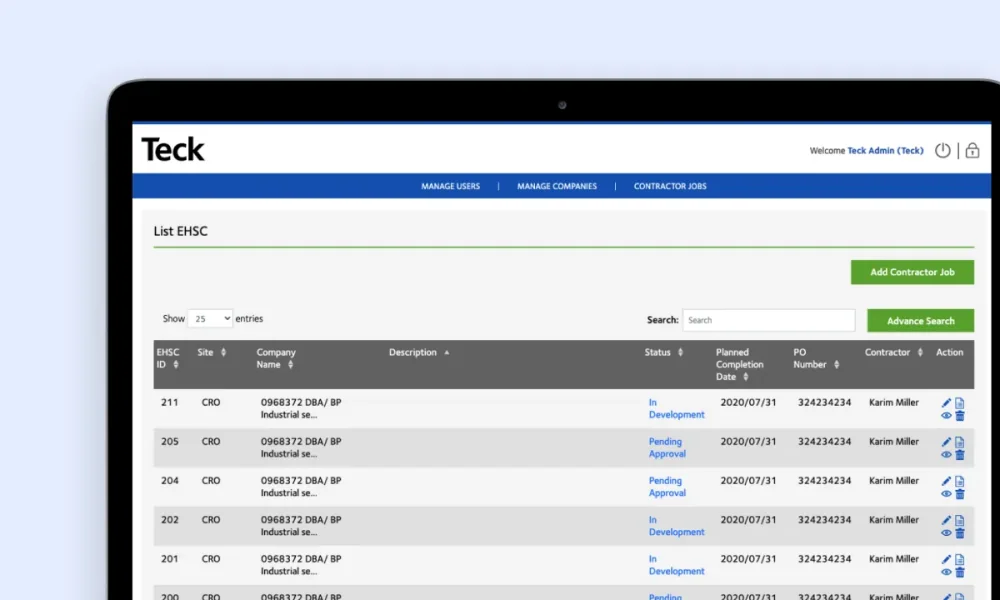
Responsive EHSC application for on-site safety checks and reporting.
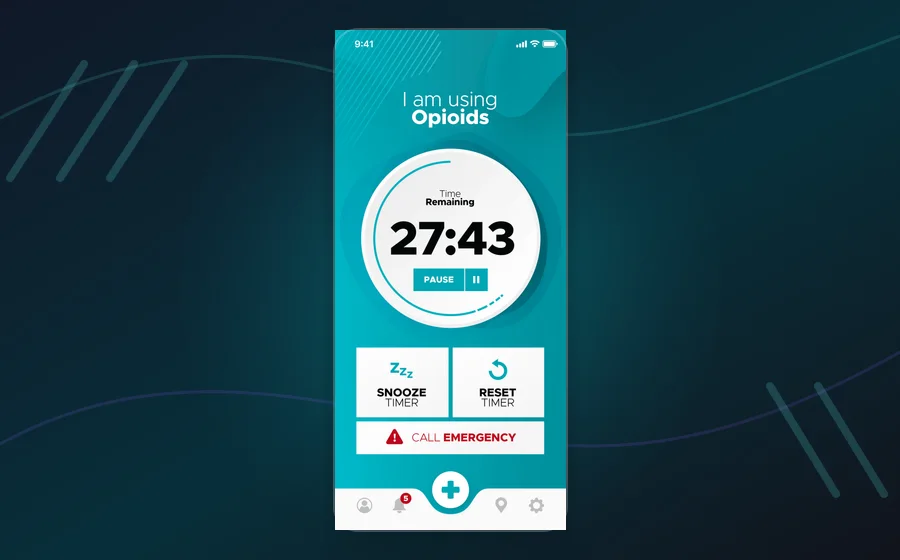
Groundbreaking safe-consumption platform with emergency response workflows.
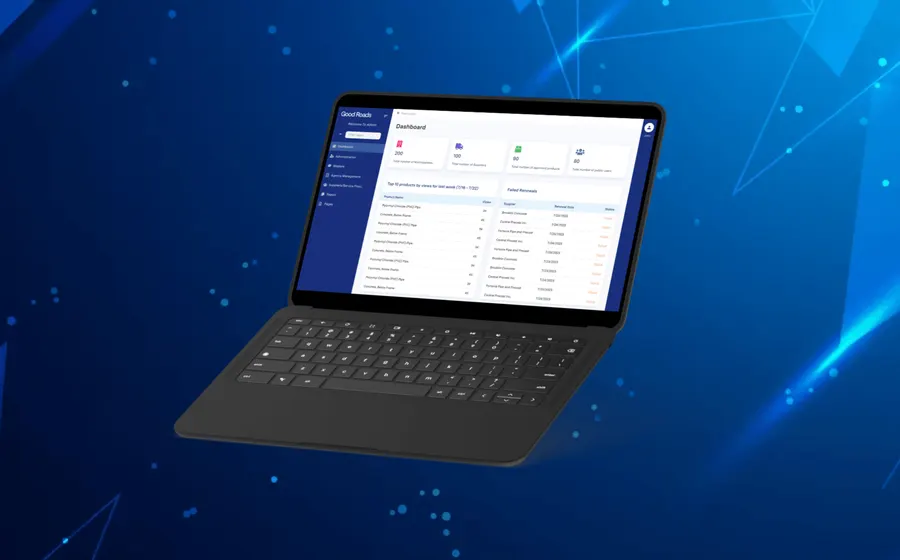
Vendor database and technical-services portal for government procurement workflows.
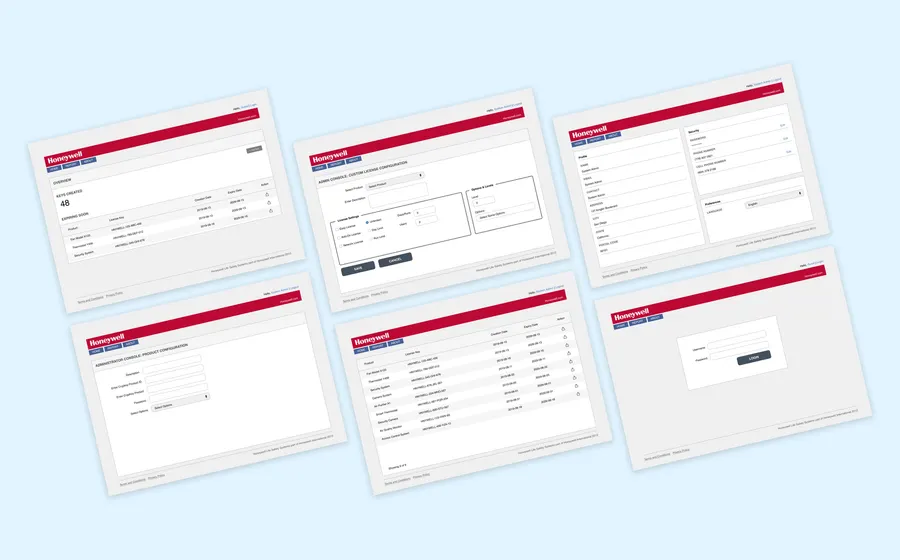
Global license-key management software for a complex enterprise workflow.
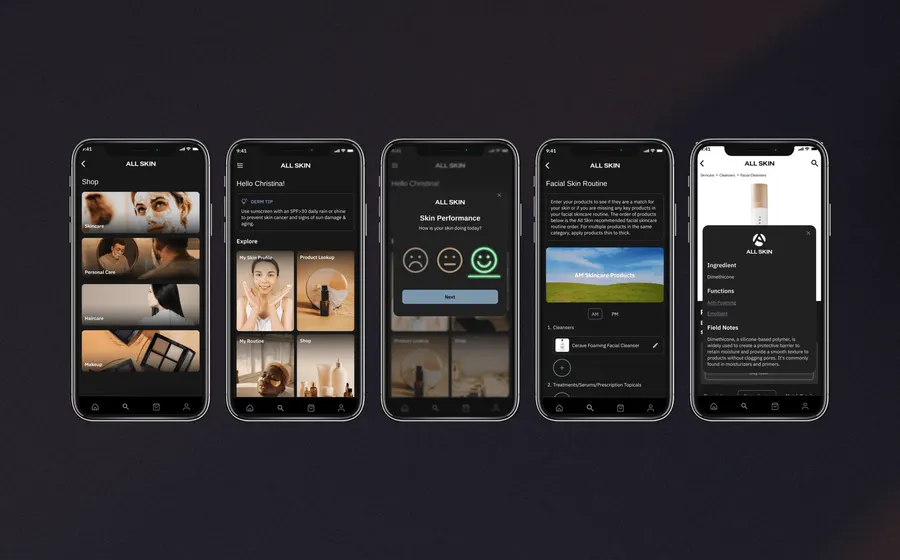
Personalized skincare app using product data, surveys, and routine analysis.
We build fast, responsive, installable web applications that can feel app-like on phones, tablets, and desktops when a PWA is the right fit.
We plan caching, sync behavior, offline screens, draft states, retry logic, and user expectations for workflows that cannot depend on perfect connectivity.
We connect PWAs to APIs, dashboards, databases, CRMs, payment tools, authentication, reporting systems, and internal business platforms.
We optimize load speed, responsive behavior, browser compatibility, deployment, analytics, monitoring, maintenance, and future improvements.
Helpful resources
These resources help teams compare PWA, native, hybrid, mobile, and web application decisions before committing to a build path.
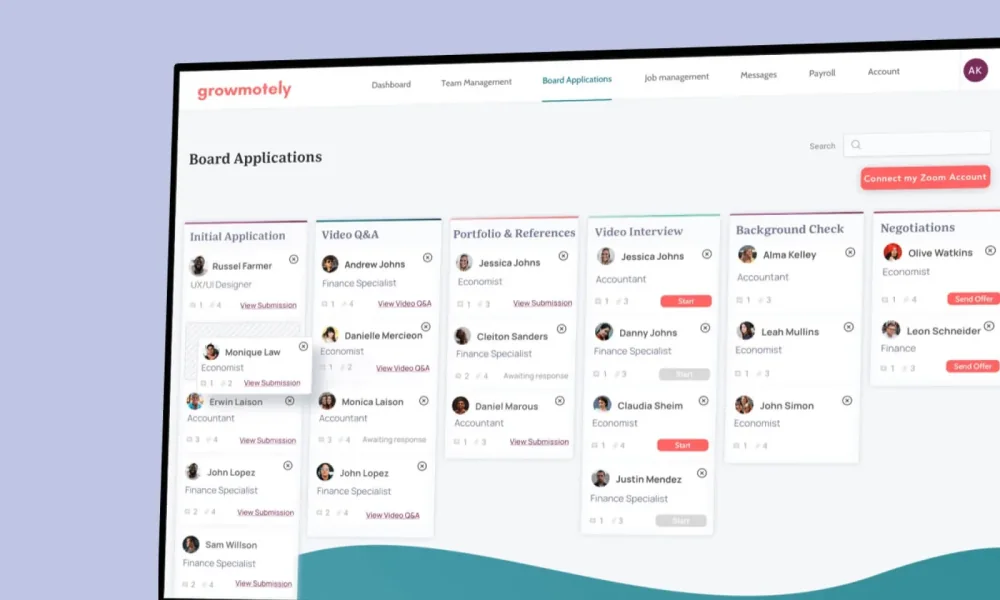
A progressive web app is a web application that can use modern browser capabilities to feel more like an app. Depending on the requirements, a PWA may support installability, fast loading, offline or poor-network behavior, push-style engagement, and a responsive interface across devices.
A PWA is often a strong fit when a team wants broad reach without maintaining separate native iOS and Android codebases. It can work well for portals, dashboards, field workflows, customer accounts, lightweight mobile tools, internal systems, ecommerce experiences, and business applications where browser access matters.
A PWA is not automatically better than native app development. Native iOS or Android may be the better choice when the product needs deeper device features, app store distribution as a primary channel, advanced background behavior, complex hardware access, or a highly platform-specific experience.
Responsive web applications and PWAs are related, but not identical. A responsive web app adapts to screen sizes. A PWA may also add installability, caching, offline behavior, app-like navigation, and other browser-based capabilities that need to be designed and tested deliberately.
Offline behavior needs careful planning. The team should define what works offline, what is read-only, what can be saved as a draft, what must sync later, what happens when sync fails, and how the user understands the current state.
Backend requirements still matter. A PWA usually depends on APIs, databases, authentication, admin tools, dashboards, permissions, notifications, reporting, and integrations. The browser experience is only one part of the product.
Performance is central to PWA development. Slow loading, heavy pages, poor caching, unstable forms, and confusing offline states can erase the advantage of an app-like web experience.
Long-term support should be part of the plan because browsers, devices, operating systems, APIs, and user expectations change. A PWA needs maintenance, monitoring, updates, and improvement after launch.
We help teams decide when a progressive web app is the right product path and build the systems that make it reliable.