Lifeguard
Essential Designs was able to create a cutting edge application that will save lives, they always say "Anything can be done" and are definitely able to deliver on that promise.
Jeff Hardy, Founder

A lot of important companies still depend on old internal software: slow platforms, aging servers, outdated programming languages, fragile databases, and systems only a few people understand.
We help rebuild legacy software into modern platforms with better performance, cleaner data access, cloud-ready infrastructure, AI-ready workflows, and a migration path that respects the business already running on the old system.
AI Automation
Let us know your industry, we will send you an email with the latest time saver.
Our Clients
Essential Designs was able to create a cutting edge application that will save lives, they always say "Anything can be done" and are definitely able to deliver on that promise.
Jeff Hardy, Founder

We've been engaged with Essential Designs for several years now and we've found that the value they deliver is significantly above everyone else that we deal with.
Rick Twaddle, SBA

We are a company present in more than 150 countries. I was very happy with their efficiency. They were responsive and happy to make any changes that we required.
Kirill Kudymov, Product Manager

I had a lot of trust in them, everyone knew their job, and they worked very efficiently. The trust and communication skills were what distinguished them from their competitors.
Cristen Phipps, Owner







A practical way to rebuild business-critical software without losing the knowledge, data, and workflows inside the old platform.
We review what the legacy system does, who uses it, where the data lives, and what breaks or slows down today.
We identify migration risks, integration points, reporting needs, old-server dependencies, and critical workflows.
We decide what to rebuild, what to retire, what to integrate, and what should move in stages.
We redesign the experience around current users, better data access, and the way the business works now.
We build the modern platform, migrate data carefully, test real workflows, and reduce launch risk.
We help stabilize the new system, improve performance, and add new capabilities after the team has adopted it.
The goal is not to throw away what works. It is to rebuild the platform around the workflows, data, and people the business already depends on.
Plan a Legacy Rebuild
Legacy software modernization
This page is for teams that cannot simply abandon an old platform because it contains the workflow, data, rules, and operational knowledge the business still needs.
A rebuild should preserve the rules and workflows that matter while removing the technical constraints that make the old system hard to support.
Modern platforms can make data easier to search, report on, connect to other tools, and prepare for AI-assisted workflows.
We help plan the shift away from old servers, unsupported frameworks, brittle deployments, and single-person knowledge risk.
Legacy rebuild questions
Essential Designs helps companies rebuild internal platforms with modern planning, UX, development, QA, data migration, and support.
Not always. Many rebuilds are safer when the highest-risk or highest-value workflows move first, then the rest follows in planned stages.
Yes. We can review the current database, exports, files, and reporting needs, then plan data cleanup and migration as part of the rebuild.
Yes, when they are useful. A modernization project can prepare data and workflows for AI-assisted search, summaries, triage, reporting, or decision support.
Selected Work
A quick look at real mobile apps, web platforms, SaaS portals, and business systems from the Essential Designs portfolio.
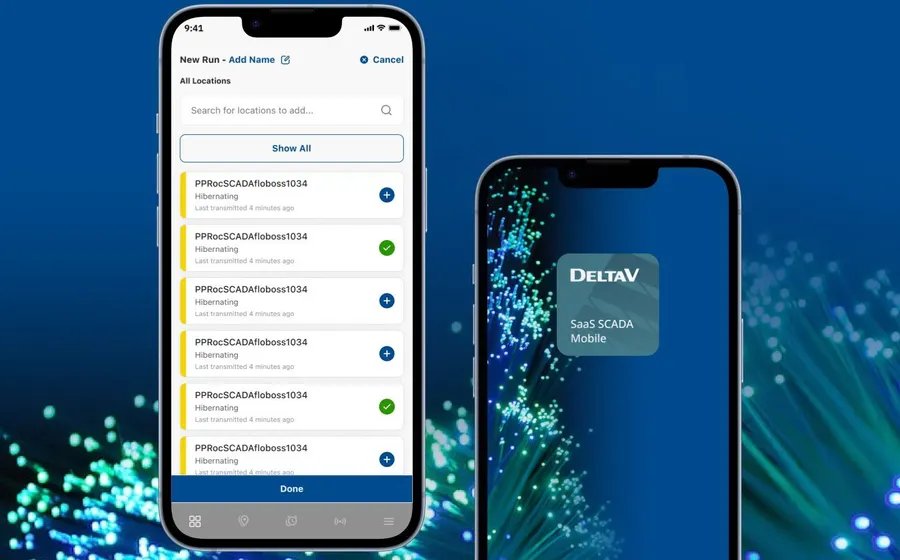
Modernized field operations app with dashboards, alerts, reporting, and low-data workflows.
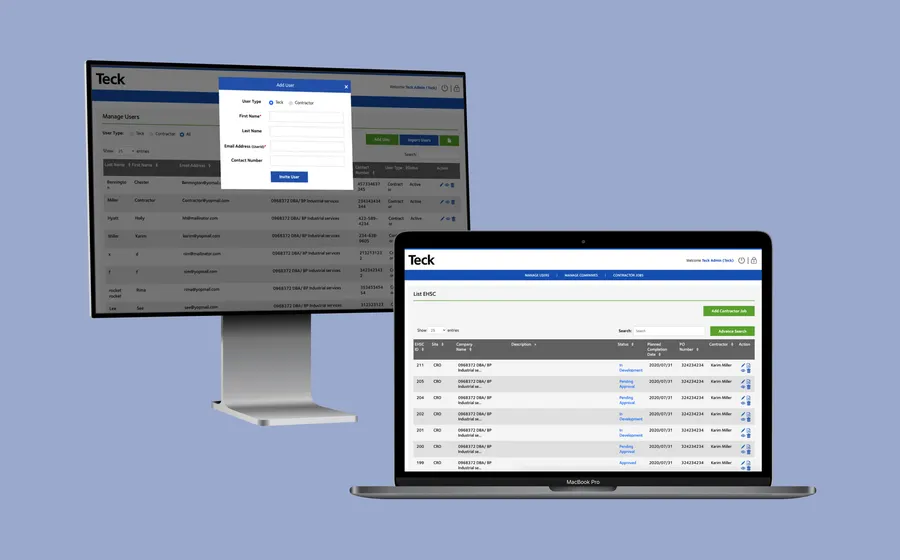
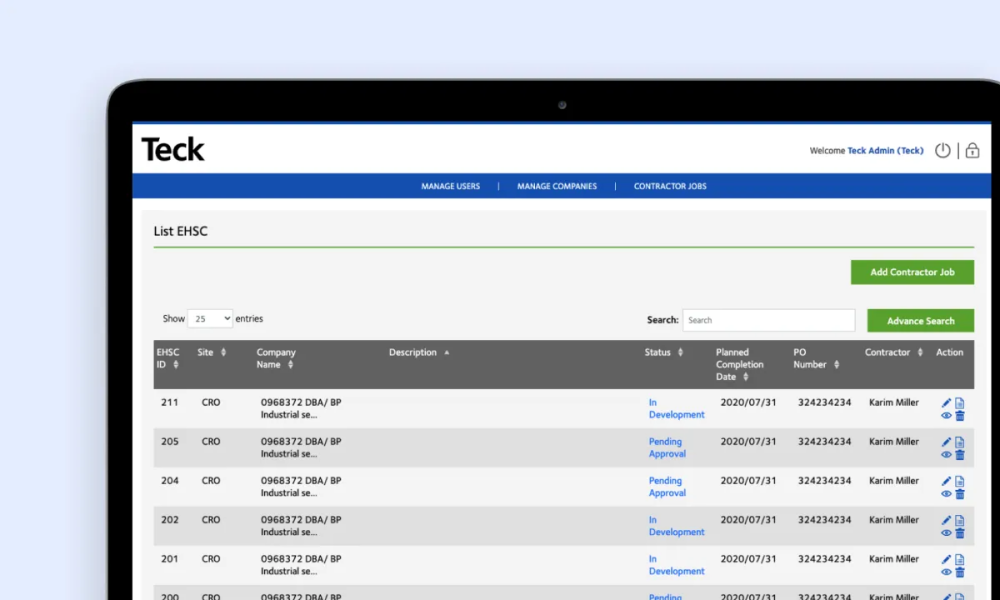
Responsive EHSC application for on-site safety checks and reporting.
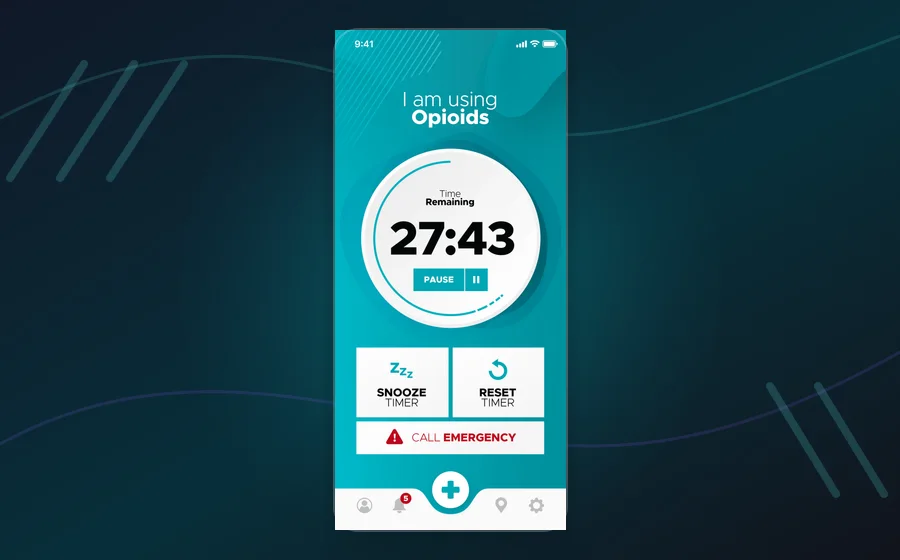
Groundbreaking safe-consumption platform with emergency response workflows.
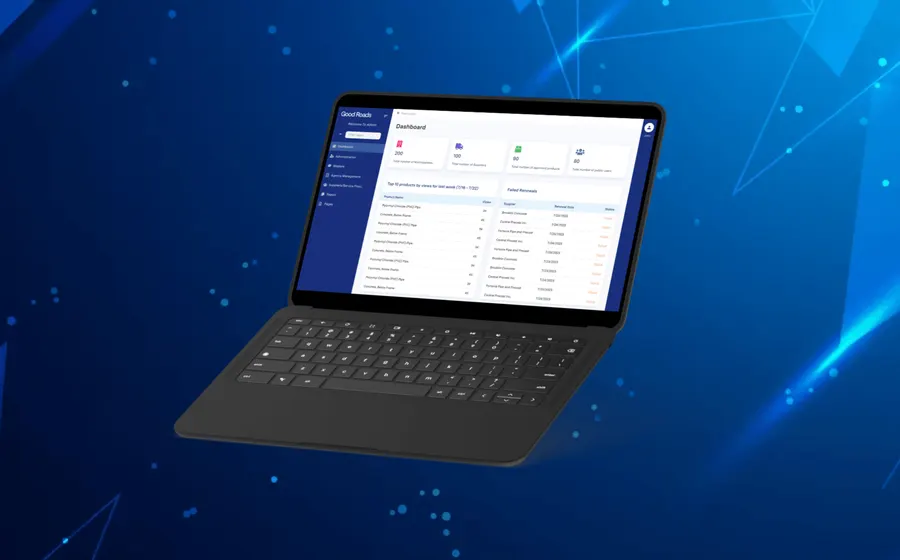
Vendor database and technical-services portal for government procurement workflows.
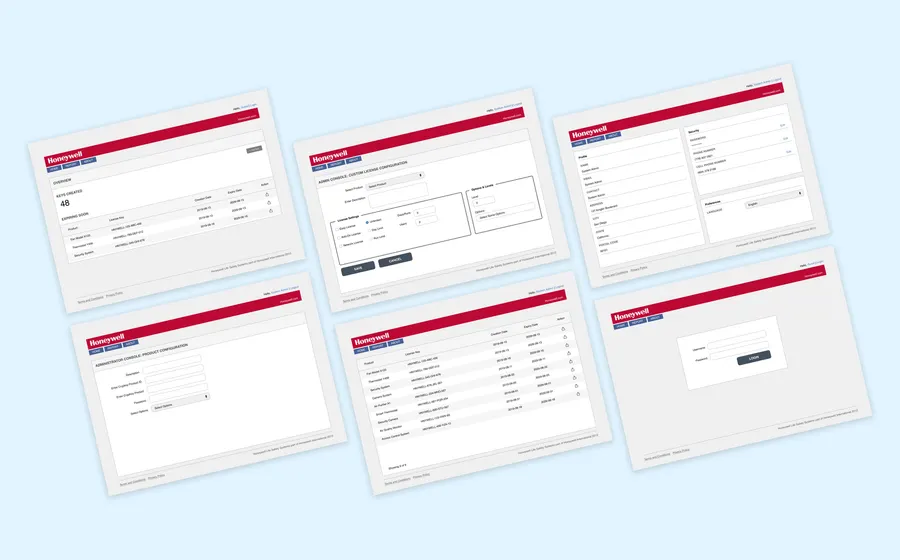
Global license-key management software for a complex enterprise workflow.
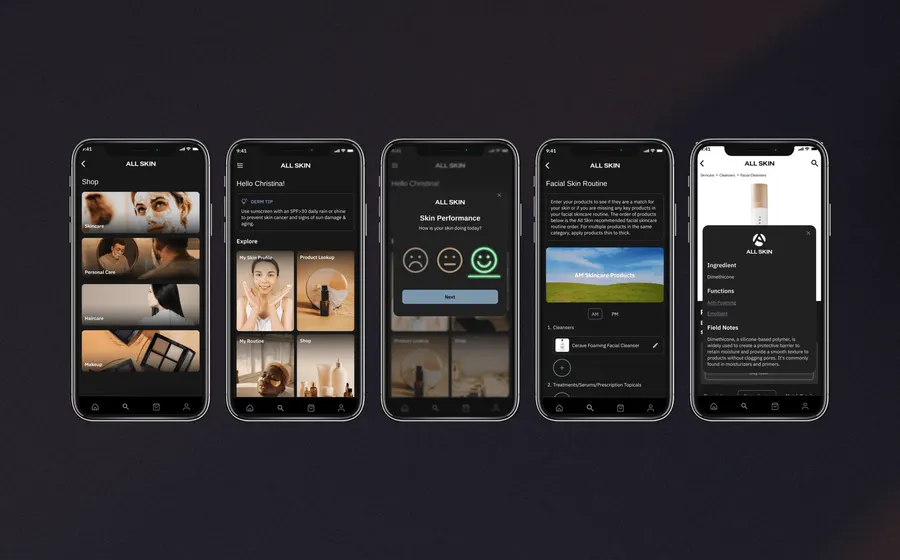
Personalized skincare app using product data, surveys, and routine analysis.
Review the current platform, users, data, hosting, integrations, codebase, support risk, and business-critical workflows.
Rebuild old desktop, web, database, or server-based tools into modern software that is easier to maintain and improve.
Make important data easier to find, report on, export, integrate, and use in daily decisions.
Move carefully away from old servers with a hosting, security, testing, migration, and support plan.
Helpful resources
These resources support teams comparing rebuild risk, custom software scope, data migration, and modernization planning.
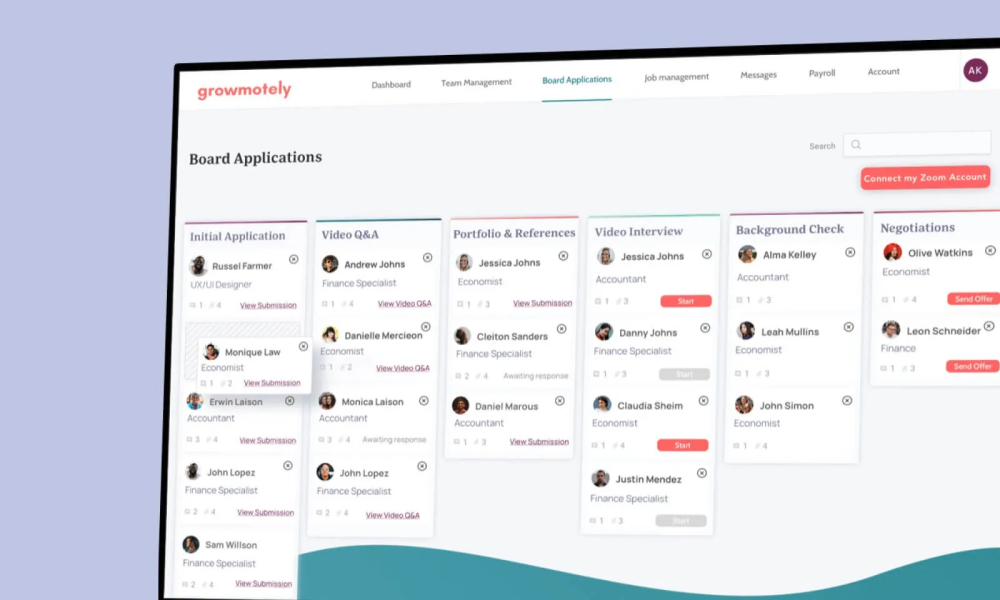
Legacy software is rarely just old code. It often contains years of business rules, customer data, operational habits, and exceptions that the company still depends on.
That is why a rebuild needs more than a new interface. The project has to capture what the old system does, where the data lives, who relies on it, and which workflows cannot be interrupted.
Modernization can improve performance, security, maintainability, reporting, integrations, hosting, and user experience. It can also prepare the platform for AI-assisted features when the data and workflow are ready.
The safest path is often staged. Rebuild the most valuable workflow, migrate carefully, test with real users, then continue replacing the parts of the old platform in a controlled way.
We help teams plan that path so the new platform is faster, easier to support, and better aligned with how the business works today.
A legacy rebuild should keep the useful logic, improve the data, reduce infrastructure risk, and give the team a platform that can evolve again.